
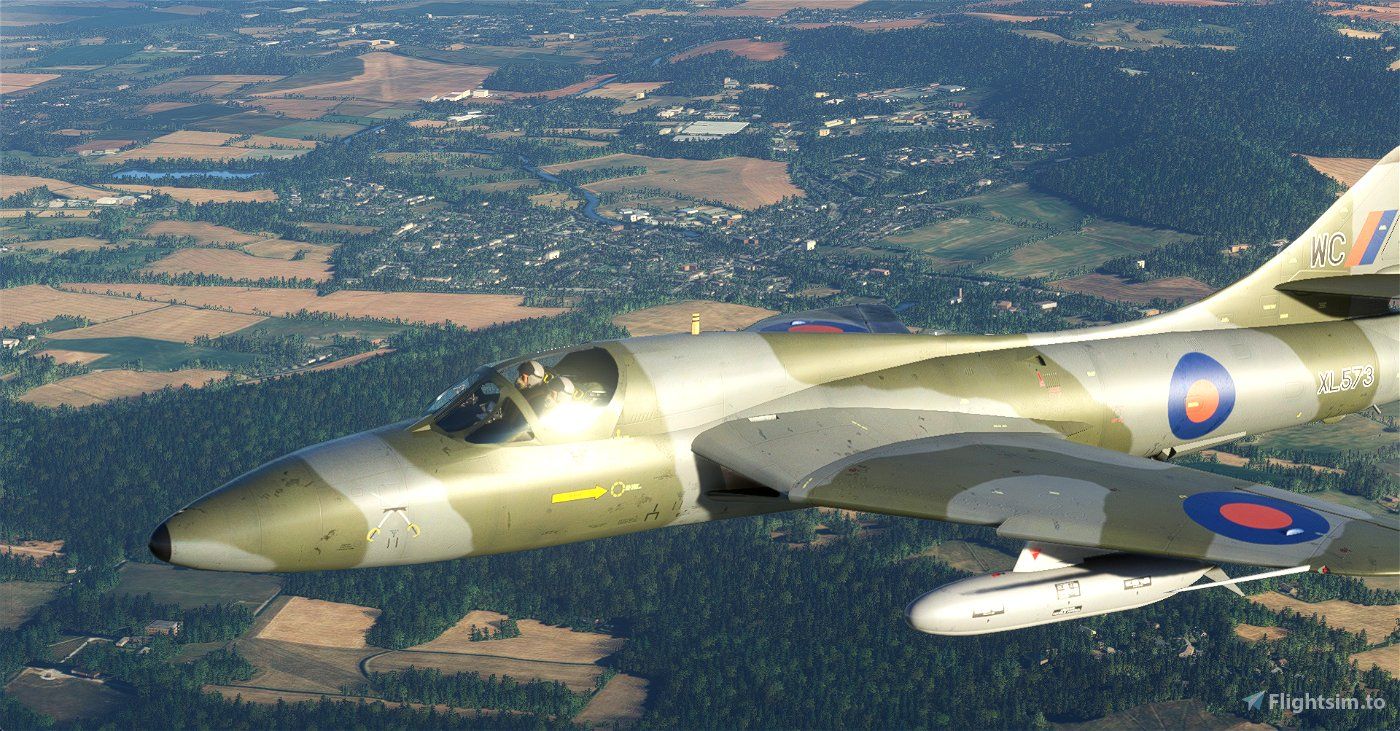
This highly anticipated Freeware release, developed by DaveWG, brings the iconic Hawker Hunter to life in stunning detail and authenticity. The Hawker Hunter is a legendary British jet-powered fighter aircraft that played a significant role during the Cold War era. Known for its sleek design, impressive performance, and versatility, the Hunter has captivated aviation enthusiasts for decades. Now, with the Hawker Hunter Twin Seaters package, you have the opportunity to take the controls of this historic aircraft and embark on thrilling virtual adventures.
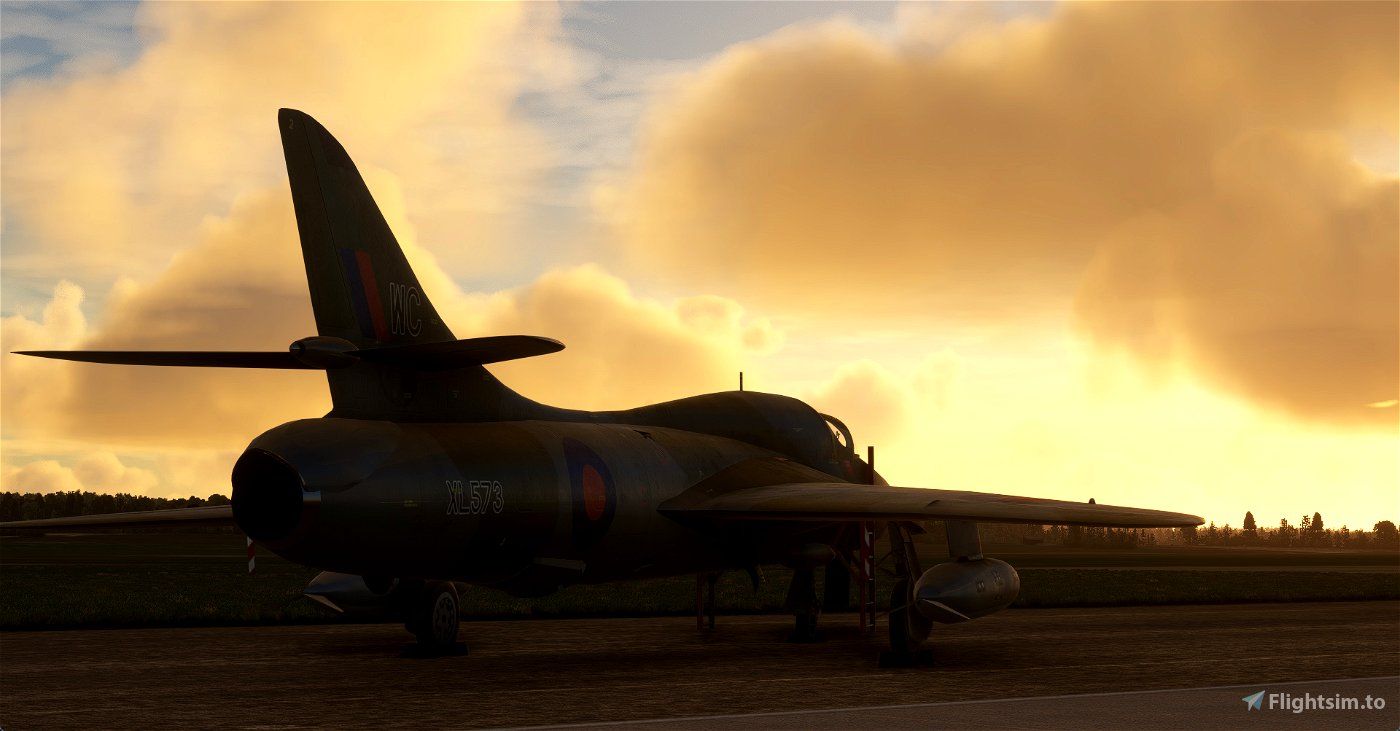
The installation process for this package is straightforward. Simply unzip the file to a temporary folder and copy the "dg-hawker-huntert" folder into your MSFS community folder. Once installed, you'll be greeted with an impressive array of options. The package includes six different models representing various Hunter marks, offering a total of 17 distinct paint schemes. Each model has its own unique characteristics and charm, providing a diverse range of experiences for pilots to enjoy.
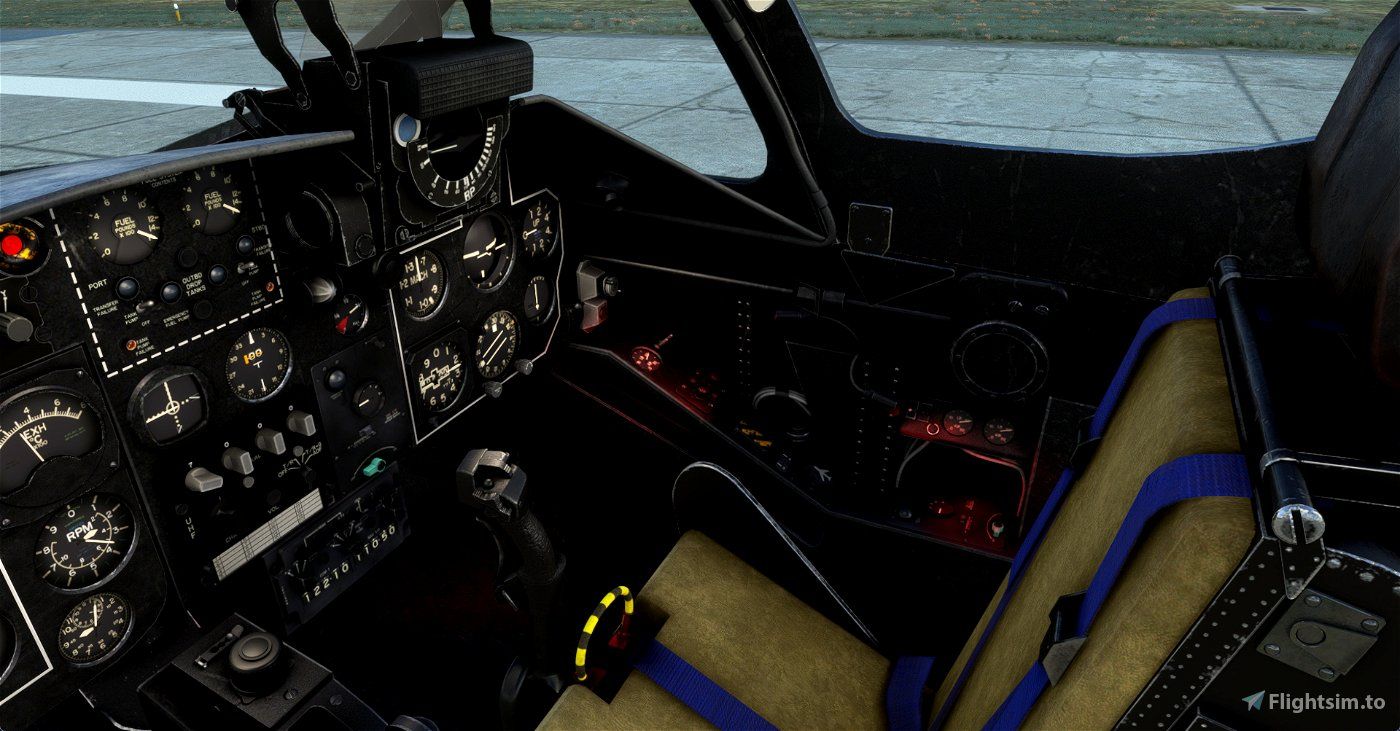
One notable feature of the Hawker Hunter Twin Seaters is the inclusion of different drop tank options. Depending on your preference, you can choose between a clean configuration with internal fuel only or outfit your aircraft with inner 100-gallon tanks. For those seeking even greater endurance, there is the option to equip both inner and outer 100-gallon tanks. It's essential to note that the fuel capacity of the tanks is measured in Imperial Gallons, not US gallons as used in the simulator. Therefore, a few adjustments are necessary for accurate fuel management. By correctly setting the payload stations to the appropriate weights and adjusting the fuel levels in the payload editor, you can ensure an authentic experience. The cockpit features fuel gauges calibrated for AVTAG fuel, which may display different values from the in-sim payload editor due to density variations between AVTAG and Jet-A fuel.
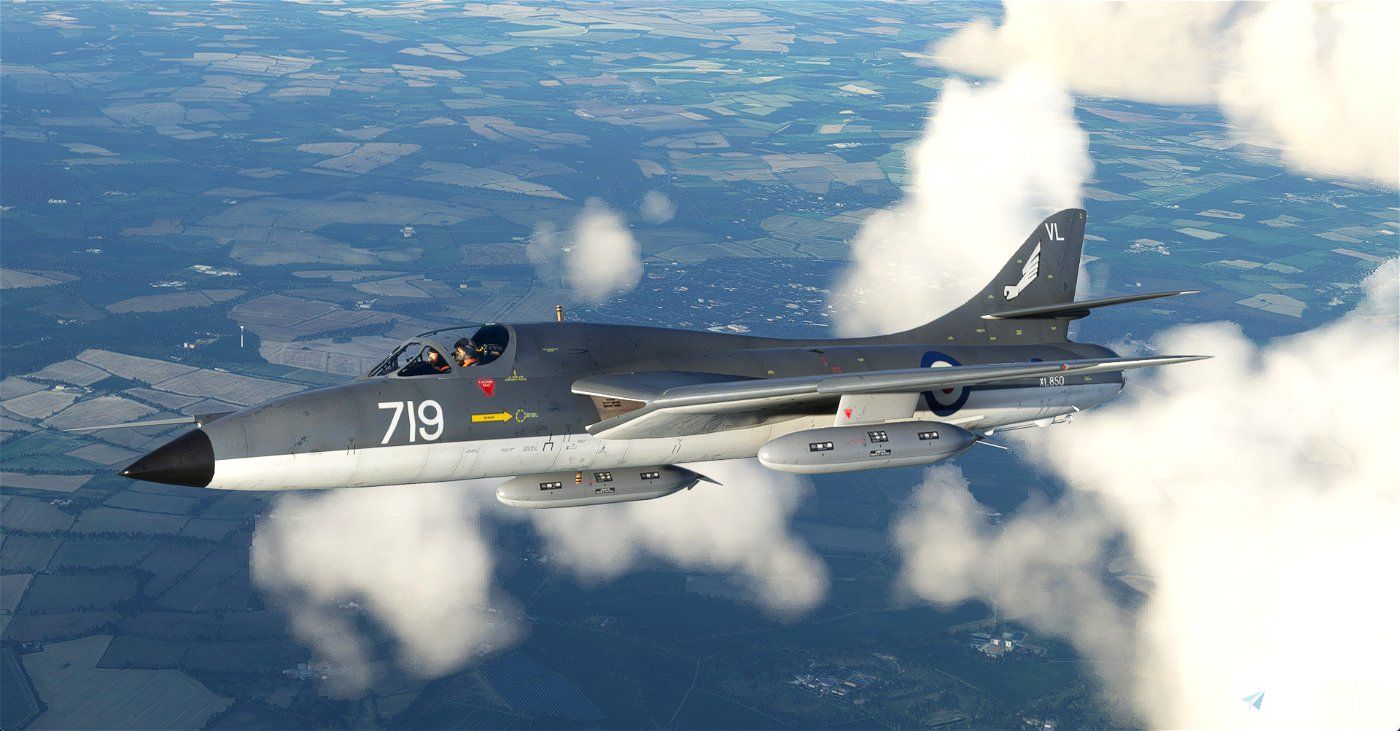
Moreover, the Hawker Hunter Twin Seaters offer a selection of preset stores options accessible through the RP Selector switch in the cockpit. While on the ground with the parking brake engaged, you can easily choose from options such as a clean configuration, inner tanks, inner tanks with outer empty pylons, or inner and outer tanks. The Hunter played a significant role in various air forces worldwide, serving as both a fighter and ground-attack aircraft. - this freeware package is an absolute must-have for any discerning flight simmer. Download now and do not forget to donate to this Community Creator to show your appreciation for their incredible work.
