
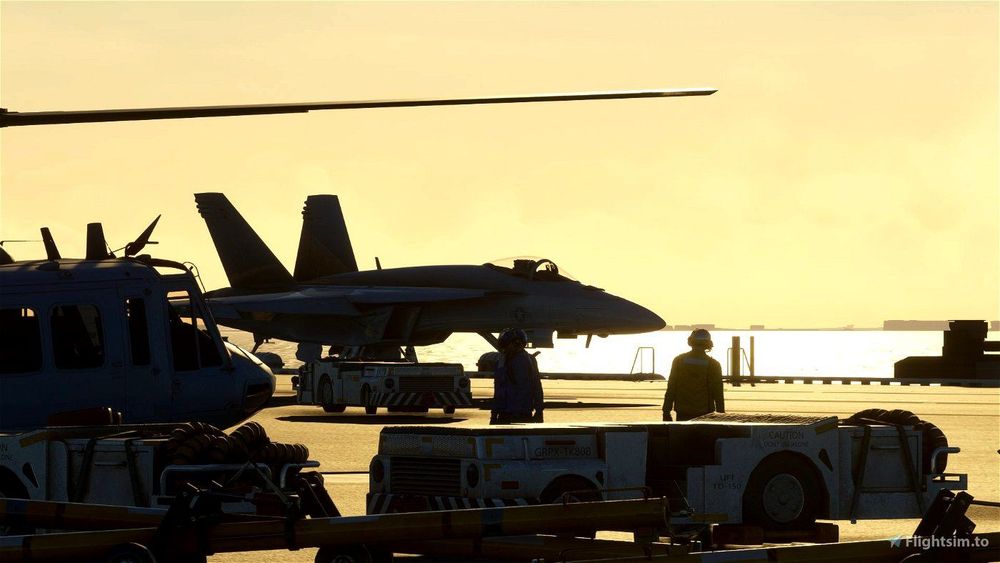
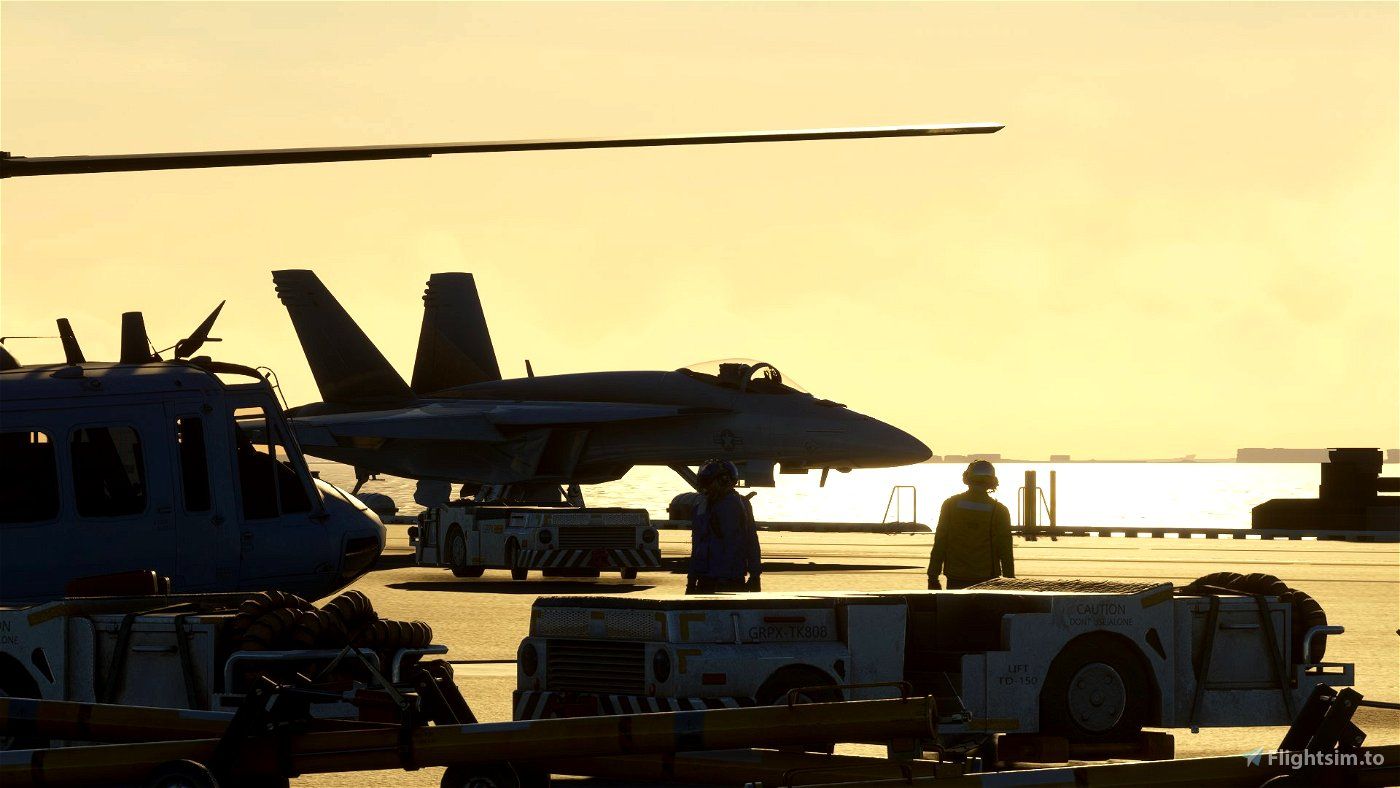
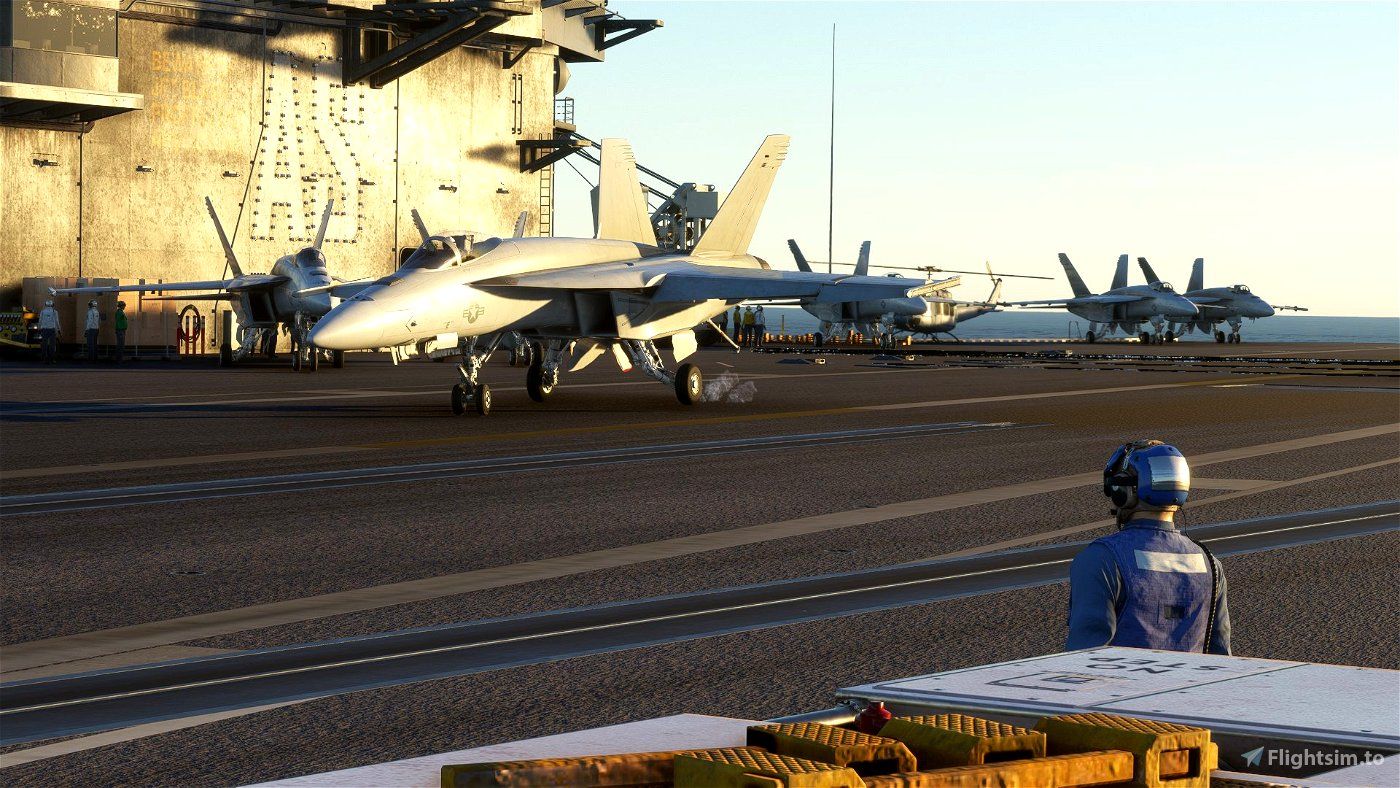
Aircraft carriers are nothing new to the simulator. But moving aircraft carriers to land on and take off from are new and were quite limited by the state of the game's SDK until recently. Whereas Asobo already promised to look into this, Jayshrike's newly released add-on now allows you to approach carriers with instructions from the LSO, land with the help of the arresting cables and take off with the onboard catapults already today.
Locations
- Florida Keys (Southern tip of Florida). Heading: 245
- Gulf of California (Mexican west coast). Heading: 135
- Gulf of Mexico (Open Sea). Heading: 090
- Long Island (New York). Heading: 080
- Oregon. Heading: 350
- San Francisco. Heading: 190
- South Carolina. Heading: 060
Starting a flight
Download 'Moving Aircraft Carrier with LSO, Arresting Cables, and Catapults' from Flightsim.to for free and install it in your Community folder. First, on the world map, search for 'Carrier'. You will see a list of the locations. Select one and click Set as Departure. You'll spawn in near the carrier. You can descend and lineup to land at the carrier or teleport to the carrier deck. To easily find the carrier, use Smart Camera. For this you can bind a control to 'Toggle Smart Camera'.
Functions
Landing Signal Officer (LSO)
When approaching the carrier, an LSO will give instructions for a safe approach to the carrier. For more information, you can look at the carrier landing challenge in the Top Gun pack.
Arresting cables
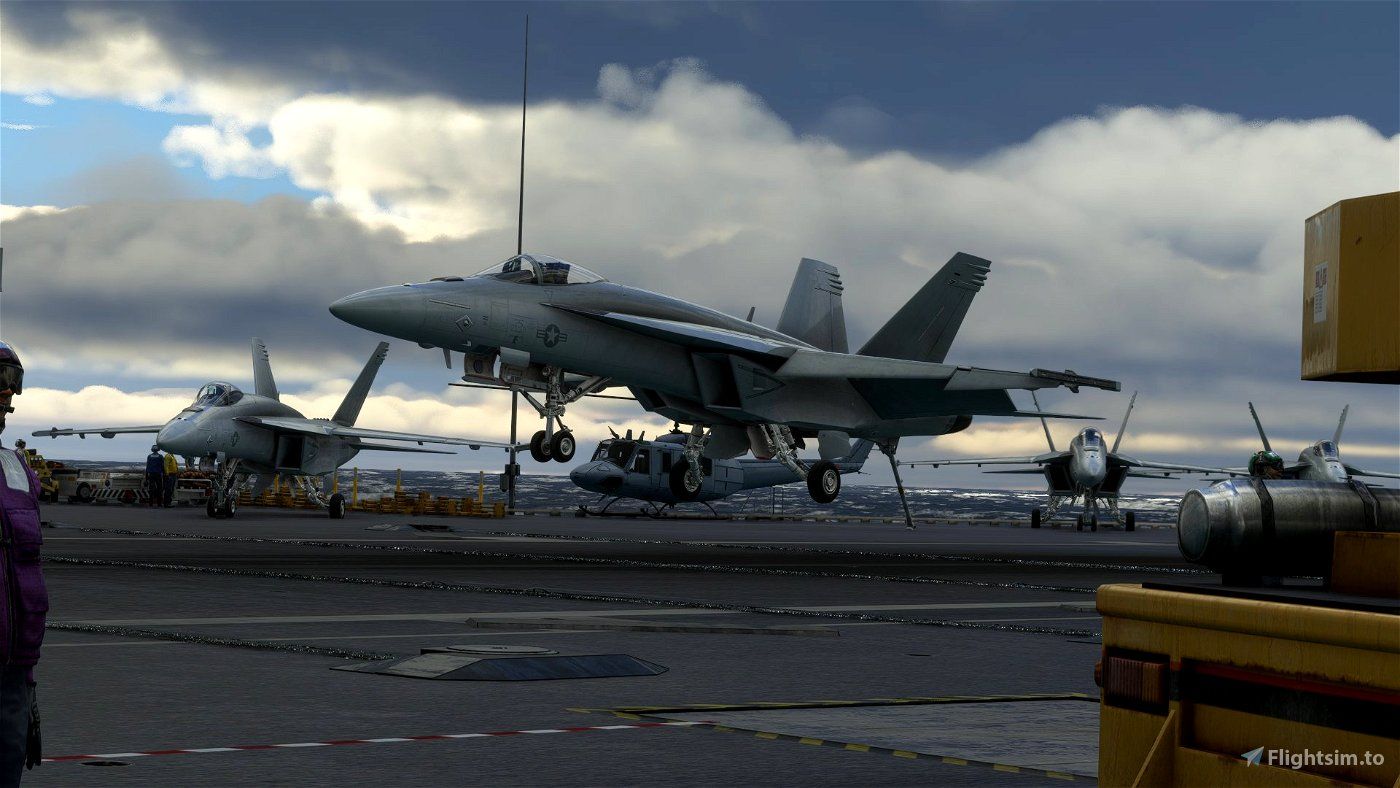
The F/A 18E Super Hornet has a hook to catch cables on the deck of the carrier. When caught, the plane will be decelerated and brought to a stop very quickly. To extend the hook, push down the right lever in the cockpit, or bind 'Toggle Tail Hook Handle' in your control settings (standard is CTRL + H). When the plane has come to a stop on the carrier, the cable will detach itself. You can now retract the hook again.
Taxiing on deck
With the F/A 18E Super Hornet, you may have to unlock nosewheel steering after landing. bind 'Set Nose Wheel Steering To Limit' in your control settings or press the appropriate button on the left of the center stick.
Catapult
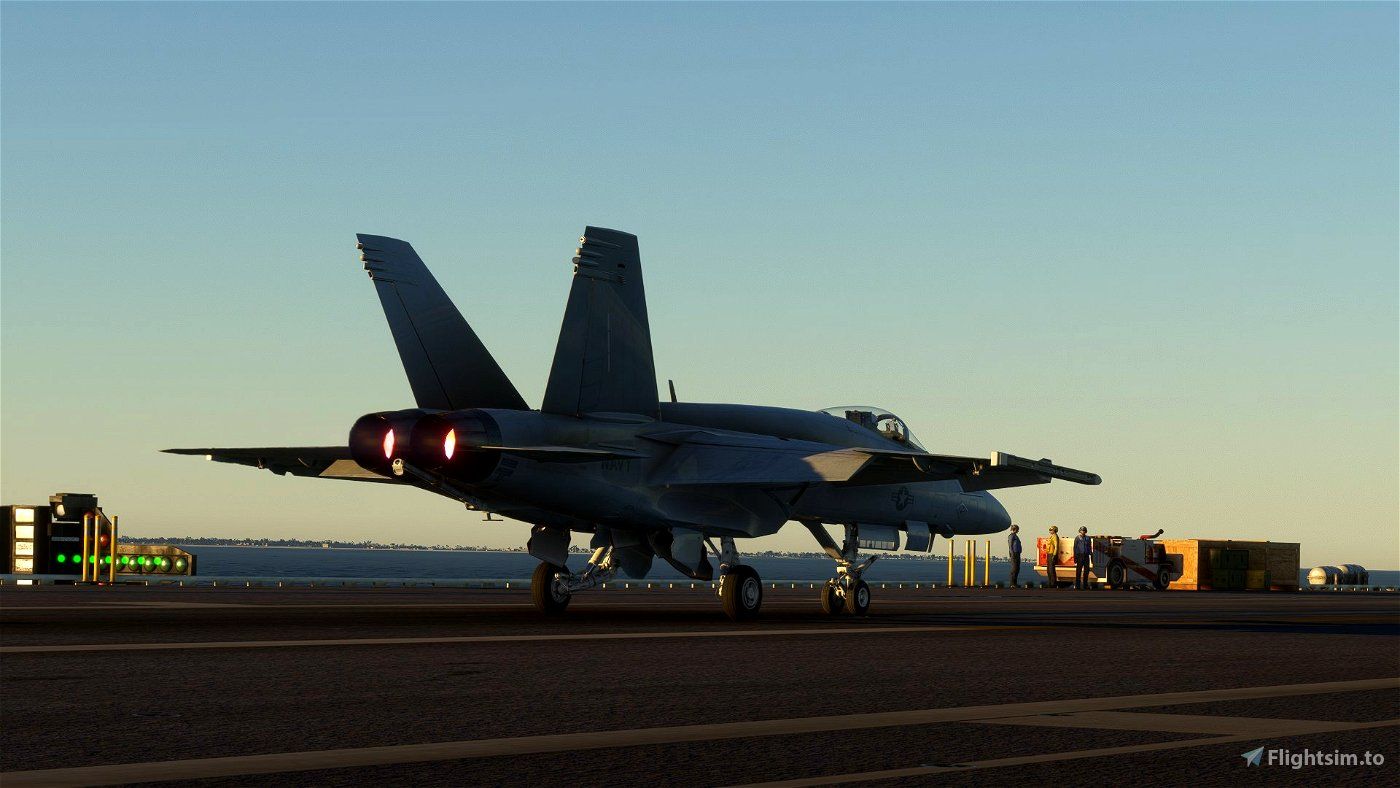
The catapult can be activated anywhere, but for maximum realism, taxi to one of the active catapults, align the aircraft, and come to a stop at the beginning of the catapult. To activate the catapult, bind a control to 'Toggle Launch Bar Switch' and press it (don't use the switch in the cockpit). Now set the parking brake. This will simulate the holdback bar that holds the aircraft in place before launch. Now perform pre-flight checks (flight controls free, flaps, nosewheel steering), then increase the throttle to MIL or afterburner. To launch, release the parking brake. The plane will now be accelerated to 150 knots. You can deactivate the catapult at any point by pressing the 'Toggle Launch Bar Switch' binding again.
Start from carrier (experimental)
You can't spawn directly on a moving carrier (yet), so you'll have to use a workaround. First, start a flight close to the carrier. Then bind a control to 'Change Aircraft' and press it. Now the plane should teleport to the carrier deck. If it doesn't work correctly the first time, press it again. Now you will be parked at the deck of the carrier. Follow the checklists to start the aircraft.
First flight checklist
- Have the Top Gun update installed, as well as this addon.
- Under Assistance Options > POI, turn off Landmark Markers.
- Under Control Options, bind the controls:
- Toggle Launch Bar Switch (For the catapult)
- Change Aircraft (For spawning at the carrier)
- Set Nose Wheel Steering To Limit (To unlock steering on the carrier deck)

about 4 years ago