FBW Qatar Airways A380
This add-on features a native Qatar Airways livery for the updated FBW A380 in Microsoft Flight Simulator. It is designed for use with the latest FBW A380 model. Future updates may add more details or refinements.
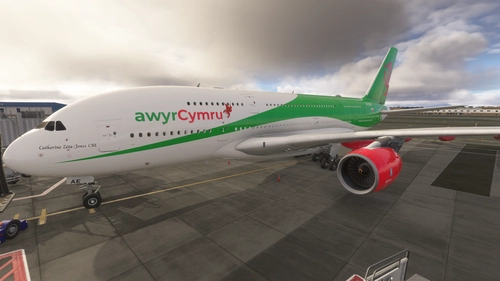
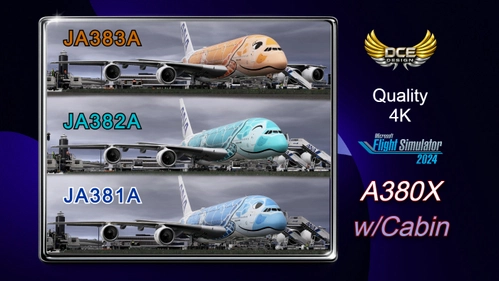
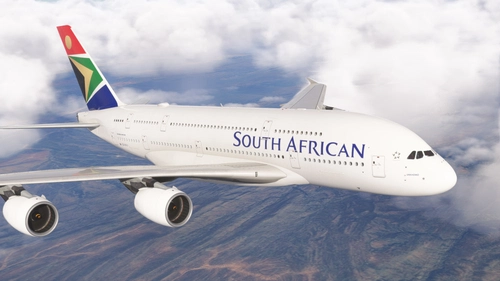
Browse freeware liveries for the FlyByWire A380X in MSFS 2020 and 2024. Community repaints in 4K and 8K for the world's largest airliner — real-world operators and more, free to download. Browse 423 addons uploaded by our community.

This add-on features a native Qatar Airways livery for the updated FBW A380 in Microsoft Flight Simulator. It is designed for use with the latest FBW A380 model. Future updates may add more details or refinements.

This add-on provides an Eagle Airways livery for the FlyByWire A380X aircraft in Microsoft Flight Simulator. The livery features the registration G-EAUV. The A380X is known for its large passenger capacity and four-engine design. This livery allows for a customized visual experience when flying the A380X.

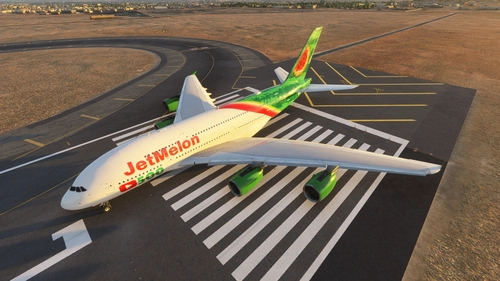
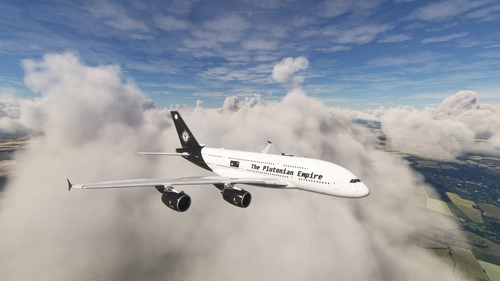
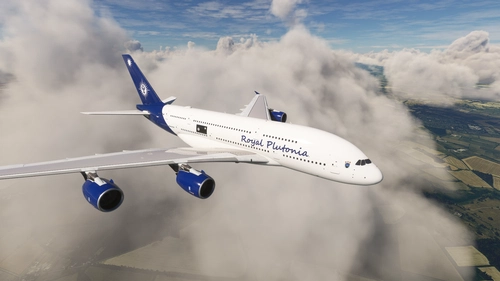
This add-on features a fictional livery for the FlyByWire Airbus A380X, representing Thai Airway Corporation with registration TH-TACN. The livery is designed for Microsoft Flight Simulator. Users can easily install it by extracting the contents to the Community Folder. No additional configuration is required for use.

This add-on provides a Singapore Airlines livery for the FBW A380X in Microsoft Flight Simulator 2024. It is specifically designed for use with the FlyByWire A380 developer version. Installation requires extracting the files and placing them into the MSFS 2024 Community folder. The livery aims to replicate the real-world 9V-SKY aircraft.

This add-on features a set of three detailed AirWürttemberg liveries for the FlyByWire Airbus A380-800 in Microsoft Flight Simulator 2024. Each livery represents a key destination, including Lindau am Bodensee, Düsseldorf, and Stuttgart. The package includes high-resolution textures, custom city lettering, and full PBR materials for realistic visuals. All liveries are fully compatible with the FlyByWire A380X model and optimized for MSFS 2024.

This add-on features an 8K British Airways livery for the A380X in the Microsoft Flight Simulator 2024 development build. The textures are created using substance painter files and utilize the KTX2 format for high quality. Real-world aircraft details such as registration G-XLEA and specific configuration elements are included. The livery reflects updated dirt colors, refined engine inlet markings, and a work-in-progress registration placard.

This add-on provides 8K resolution Qantas livery textures for the A380X aircraft in the new FS2024 developer build. The livery is based on registration VH-OQB, nicknamed Hudson Fysh, and includes work-in-progress details like the registration placard. Textures are created using substance painter source files and require manual installation in the community folder. Developed by members of the FlyByWire team, this release focuses on high-quality visual accuracy.

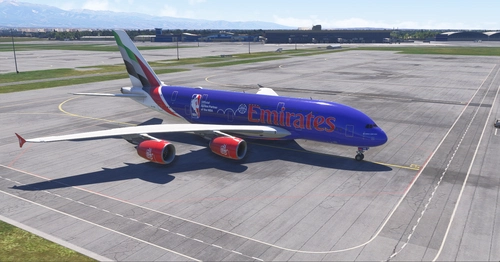
This add-on features a detailed recreation of the Emirates A380 livery for the FlyByWire A380X in Microsoft Flight Simulator 2024. The livery accurately replicates A6-EVK, showcasing Emirates’ signature colors, Arabic calligraphy, and detailed design elements. It uses high-resolution textures for visual realism. The livery is converted from the MSFS 2020 version for compatibility with MSFS 2024.

This add-on provides an Emirates livery for the A380X in the New FS2024 development build. It features high-quality 8K KTX2 textures created directly from original substance painter files. The livery is still a work in progress with registration details to be determined. Installation is done by placing the unzipped folder into the community folder.

big plen not smol plen. big plen because it big and smol plen because smol. plen is plen so a380 = big plen not smolo ok. smol boi :P

This add-on provides the Emirates A6-EVG livery in 8K quality for the FBW A380 in Microsoft Flight Simulator. The package may appear as a separate aircraft rather than within the standard A380 liveries menu. Installation requires extracting and placing the files into your Community Folder. Redistribution or commercial use is not permitted without permission.