
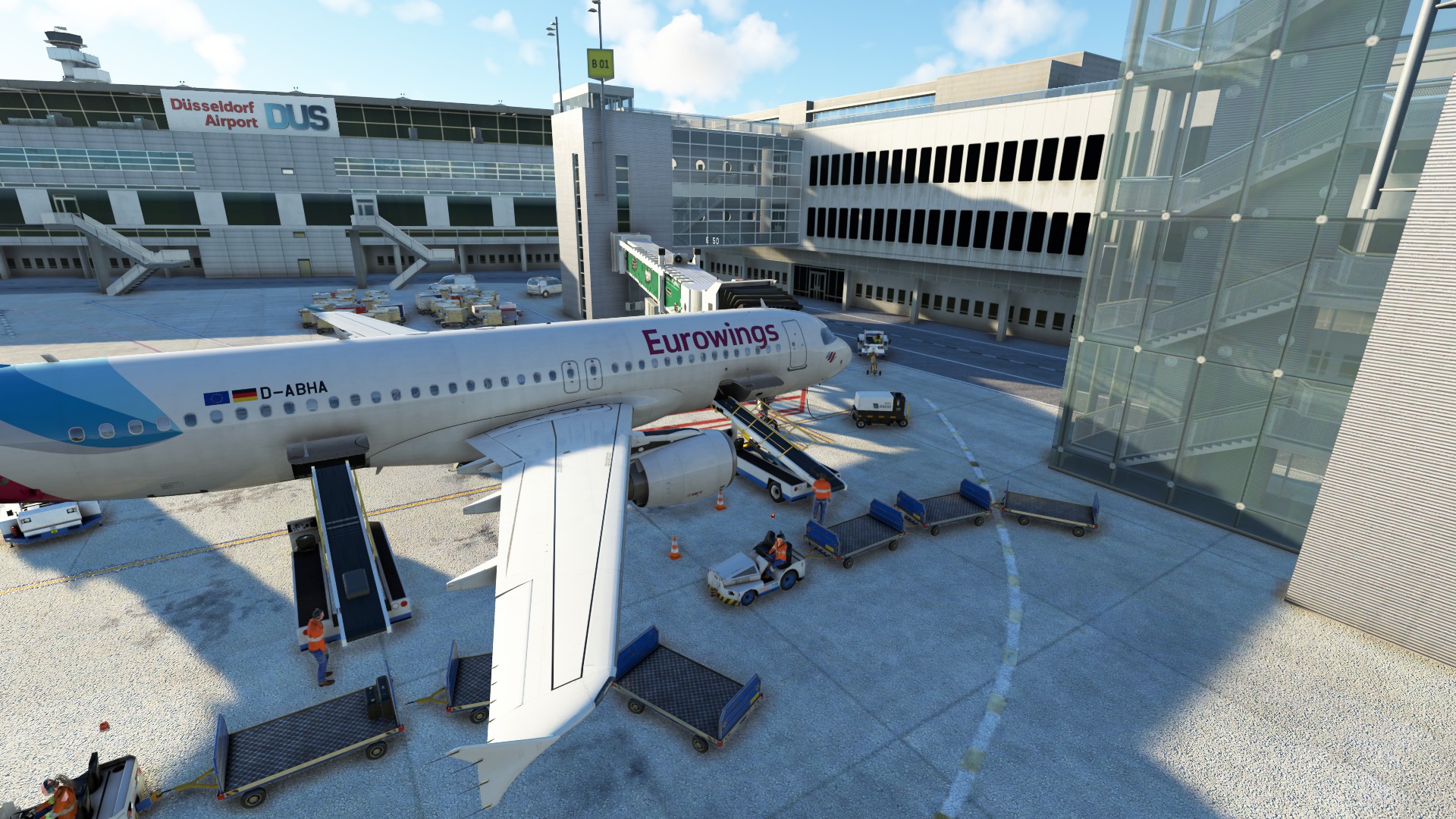
Description
Since I don't have enough time to optimize/ update the profiles, work on this project will discontinue.
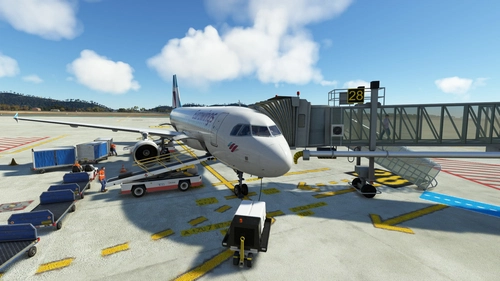
This package contains custom pushback with several variants (e.g. facing north or south), custom placement of ground service equipment and VDGS for Justsim EDDL
All Gates are included except the GA Terminal.
If you find any issues or consider any problems just let me know.
For your information: I own the marketplace version, so maybe your AFCAD-file may be different.
How to install:
Copy and paste the .ini file into the following folder:
AppData\Roaming\virtuali\GSX\MSFS
GSX Profile Justsim EDDL + De-Icing Pads
Enhance GSX services at Justsim EDDL with this custom pushback and ground equipment package. Includes various pushback options and VDGS support. Note: GA Terminal gates not included. Easy installation instructions provided for seamless integration.


User Reviews
2 reviews
More Information
Version History
Important: File was renamed, make sure to delete the old version first - improved positions of pushback vehicles to not block the roads - reworked position A11
Related
GSX Profile Simwings GCTS Tenerife Sur
Enjoy custom pushback, ground service placement, and VDGS at select gates with this GSX profile for Simwings GCTS Tenerife Sur. Gates H39 to R19 are currently covered, providing a detailed airport experience. Simply copy and paste the .ini file into the designated folder for easy installation.
by vosni01
GSX Profile LSZH Zürich by Asobo + De-Icing Pads
GSX Editor Discord: Link in description Since I don't have enough time to optimize/ update the profiles, work on this project will discontinue.
by vosni01
GSX Profile LFMN Nice Côte d'Azur by Asobo
GSX Editor Discord: Link in description How to install: Drag and drop the unzipped file into %appdata"/virtuali/GSX/MSFS If you find any bugs just let me know. DISCORD >>> GSX Editor Discord <<< Me and many other Creators are currently building up a Community exclusively for a better Overview of GSX Profiles. There are many duplicates of GSX Profiles and surely much frustration. This Server is FROM Creators FOR Creators. Here you can ask for help or just have a nice Chat with other GSX Users or Creators. We're waiting for you!
by vosni01
GSX Profile Simwings LEIB Ibiza
Enhance ground operations at Simwings LEIB Ibiza airport with this GSX Profile add-on. Enjoy custom pushback, ground services placement, and vdgs at specific gates for A320 / B737 aircraft. Simply copy and paste the .ini file to elevate your airport experience.
by vosni01

Comments(9)
Log in to join the discussion
Log Inover 3 years ago
No idea what the other problems have, everything runs great. Thanks a lot
over 3 years ago
You should not say every gate is customized, if it isn't. e.g. A2- A4 is nothing. Also this ini doesn't work with a non marketplace version
over 3 years ago
A pity that the version does not work for you.
If you would read the desciption it says that "I only own the marketplace verison" (that's why the ini does probably not work with your version)
I created it before gsx could use the SU10 API.
Maybe I will update the file in the next days but I don't know if I have enough motivation for that....
over 3 years ago
Hey! which .bgl should I use in the GSX ini file?
over 3 years ago
Use the file which is located in your folder. In my case (cause I bought EDDL via the ingame marketplace) is located in the official folder. Check the installation guide and it will help you for sure.
over 3 years ago
I have a question. DO these kind of Profiles here on Flightsim.to also work with marketplace addons or just with via aerosoft one? Because i have seen, that GSX does not recognize marketplace addons.
over 3 years ago
GSX only recognizes Addons in your community folder, so you are right, marketplace addons are currently not supported by GSX.
Other than that its irrelevant where you bought the addon.
over 3 years ago
Ok but somehow this profile does work with the store version. i have vsgs etc.
over 3 years ago
Well I own the version bought in the marketplace and it works for me. The AFCAD file ist just not located in the community folder.