About this addon
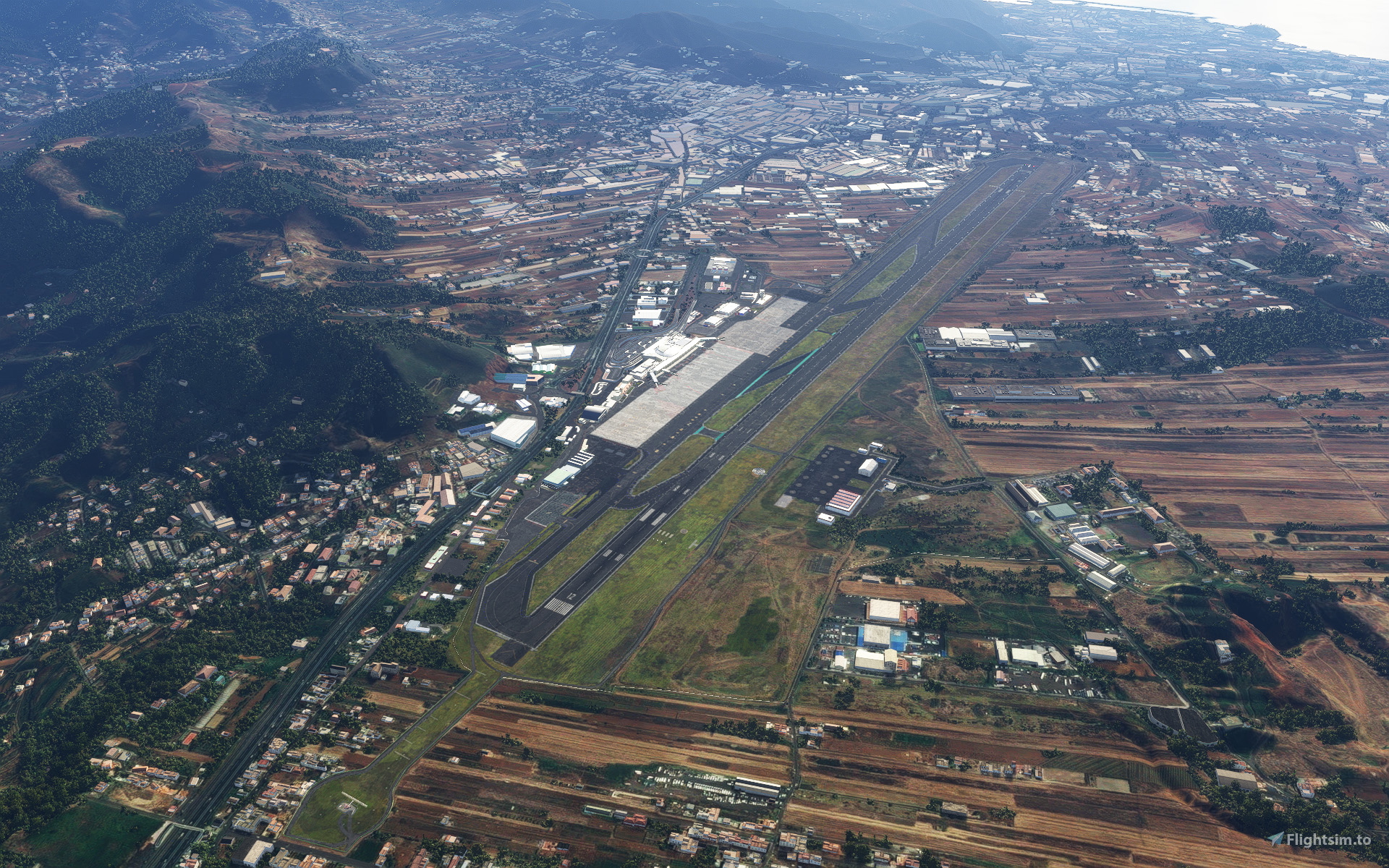
The international airport of Los Rodeos - Tenerife Norte is one of the two airports of the biggest insular of the Canary Islands, Spain. Located on a mountain saddle, 660m (2170ft) above sea level, the airfield is known for its rapidly changing weather conditions, making it one of the most challenging and scenic approaches of Europe.
Features:
- Accurate and highly detailed scenery
- 2022 rendition of GCXO
- Terraforming to resemble the challenging terrain of the airfield
- Runway with real elevation profile (sloped)
- Detailed work of the apron, runway and ground to adapt the grassy and overgrown look of the airport
- Custom animated jetway models
- Operative VDGS System by Aerosoft
- Custom static vehicles
- Custom modeled buildings of the near surroundings
- Compatible with Island Creations Tenerife [payware], Spain Canary 20m DEM - Mikeaat [freeware] and Canary Islands 5m DEM - Taburet [payware]
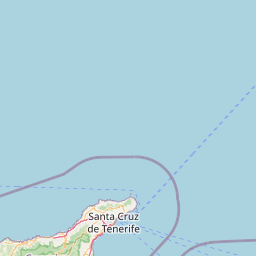
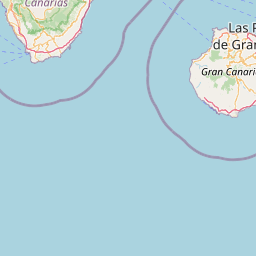
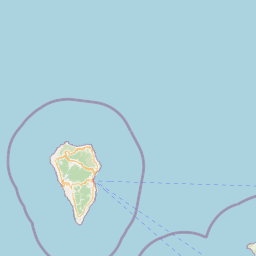
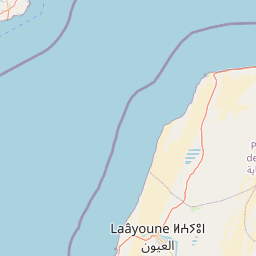
Location


Changelog
- Fixed Taxiway lighting - Fixed smaller ground work issues - Updated Aerosoft VDGS to work correctly
- compatibility with MSFS2024 - updated layout to 2024 version of the airport* - adjustment of several ground work issues in combination with the new aerial data - added animated people inside terminal** * 2026 version of the airport features new apron layout as well as changes to the terminal. This will require a larger, possibly fee-based update at a subsequent date. ** To deactivate animated people please go \Community\Tenerife Norte - Los Rodeos - Wolkenblau\scenery and rename "People_animated.bgl" to "People_animated.bgl.disable"
1.2. - corrected mesh problems in connection with Island Creations Tenerife addon - corrected ILS approach problems - several smaller fixes concerning vegetation and groundwork NOTE: those users who received the mesh fix via support still might want to download 1.2 Version, as it fixes some additional issues.
- added operative VDGS/safegate system by Aerosoft - replaced 2D people inside Terminal with 3D people, partly animated - additional groundwork to enhance scenery and improve compatibility with Island Creations Tenerife - corrected approach lights on runway 30 and 12 (shortened ALSF-II for rwy30 and custom white light row for rwy12) - changed most RAMP parking to GATE for better AI traffic placement
Version 1.0.1 - fixed PAPI lights for runway 30 and 12 - fixed LOD models of passenger terminal - fixed position of (non functional) vdgs system at the terminal
User Reviews

alexptlx
VerifiedOct 2, 2026
Excellent! Much better and more fps than Just Flight's Norte GCXO.
thumperluc1
VerifiedAug 24, 2026
its great but why no gsx profile. thats why i give 3 stars. when try use gsx plane too far back from jetway, i have aerosoft vdgs but that dosnt work also. why cant anyone make a gsx profile i dont get it
maggi
VerifiedJul 20, 2026
A really nice airport. That's all I needed.
TLY400
VerifiedJul 19, 2026
This amazing airport GCXO just updated. Very nice work...RECOMENDED

ecfpn
VerifiedJul 19, 2026
The Visual Docking Guidance System is right in the aircraft window; it's a shame I can't take a screenshot so you can see it. I hope you correct it, as well as the T1 and T2 parking spaces, and not just a single K1, which isn't used in reality.
tottiwolfi
VerifiedMay 2, 2026
Working nice on FS2024 but after SU5 update the RWY12 identifier only shows "2" instead of "12",any possible quick fix please?.

VMDT88
VerifiedJun 4, 2025
De las mejores representaciones de este aeropuerto. Lo recomiendo al 100x100, espero que lo actualicen pronto, ya que ha habido cambios en algunos stands. Gracias.

gorkatimur
VerifiedJun 4, 2025
Hello! Any plan to update with the new gate stands? Great work with the airport!
flightbarto
VerifiedFeb 10, 2023
Very nicely implemented airport. I still missed this airport. Thanks very much!
Edipost
VerifiedNov 25, 2022
mikced76
VerifiedSep 20, 2022
I went ahead and purchased and am very happy with the looks of it. The only isue and I hope you can fix this is that small GA traffic parks wrong. For some reason all the real world small GA parking spots are defined as GATES (A1 to A6) rather than just RAMP so it will always be empty. As well over on the commercial cargo area the parking spots 12-18 are defined as RAMP rather than GATE so you get a lot of small Cessnas there. Please make them GATE so the big guys park there. This should hopefully be a rather easy thing to fix. Many thanks for a great product

Thanks for pointing out. Even though the SDK gives a warning ("Gates must have jetway"), it's possible to export the scenery with only Gates as parking positions. I will implement this for the next update! But are you sure on the GA ramps A1-A6 there should be a GATE instead assigned? Wouldn't that possibly make airliners pop up there?
Don't think that gates actually need to be selected as type gate small/medium/heavy to be actually used by large AI airplanes. I think the parking spot radius matters though. I am working on a freeware scenery where a lot of gates are marked as ga ramps and i have seen many ai aircrafts like a320/737 s park on those. Also there is an option to name a parking spot as gate even if they are of type ramp in the SDK. That way you can avoid the gate missing jetway warning.
A1-A6 needs to be RAMP , the rest of the airport should be GATE. That way you wont see any GA traffic on the commercial apron. Since AIG airlines for exampme are defined as GATE in their airlines.cfg file this will ve correct. The same goes for AIG Cargo airlines. I dont believe MSFS supports the prefix CARGO jet so a small downside is that you may see Seiftair snd BlyeBird Nordic park at a jetway stand.
abhishek_dey
VerifiedSep 19, 2022
Nice scenery and thanks for incorporating my feedback in update 1.0.1. It's perfect for me. If you could add functional VDGS, that would be the cherry on top. But take your time and asses the licensing costs. For now, I can work with GSX. I see someone requesting removing 2d passengers to replace them with 3d passengers and I agree. But please don't remove the 2d passengers if adding 3d passengers is not possible as not everyone has GSX to add their own passengers.
Hi there, you might want to download this mod: https://flightsim.to/file/40666/modification-of-scenery-wolkenblau-gcxo-payware-for-gsx-pro-users it removes 2D passengers and the default VDGS screens and lets you place your own. An updated version with 3D passengers will follow in a few weeks then.

reverentan
VerifiedSep 16, 2022
Very well detailed scenery, great work on the terraforming and seems like optimization is done very good so there is no impact to framerates! Some small improvements that I wish for is replacing the 2D passengers in the terminal with 3D ones or removing them completely so we can add animated passengers ourselves with GSX. It would also be nice if you could make the VDGS work or removing it so we can add a VDGS from GSX instead.
Hi, first off thanks everbody for your purchases and for the nice comments. Regarding VDGS: as far as I can see, I will need to buy a commercial license from a 3rd party developer, as creating my own system from scratch exceeds my abilities as a developer. (If anybody knows a cost free solution let me know). I will look into doing so, as I know it's important for the users. However, I need to refinance the license costs first so please bear with me for the time being. Regarding 2D passengers: that solution was part of my concept to keep framerates low, together with the extensive usage of LOD models. I feel that a smooth running scenery is part of a decent product. 3D passengers however have a high mesh count and will likely slow down the scenery. Maybe you guys can give me an idea whether you are willing to trade better framerates for it. [If you don't like the 2D passengers for now, here's a small tweak how to get rid of them: download this .dds file https://fastupload.io/en/CxJHmgLNMDx4sVG/file and copy and paste it into your Tenerife Norte/scenery/models/texture directory and replace the existing file]
Thanks a lot for your answer and the file for hiding the passengers! I would prefer having 3D passengers since I have seen other sceneries do it while still having high framerates so if that's possible that would be great but if not I will just continue using the ones from GSX. Totally understandable not having VDGS at the moment considering the costs. In the meantime maybe you could add an option for us GSX users to hide the static VDGS so we can use the VDGS from GSX without it overlapping with the scenery one?
Allright, I could provide an additional .bgl file to replace the default one, that will make the default VDGS disappear. Let me ask you; will you need the poles without the screens or no poles and no screen at all? (see picture for reference) https://i.ibb.co/YTYQ7yj/8.jpg
Just removing the screens would probably be the best option, thanks!
Dalmaoc
VerifiedSep 15, 2022
Magnificent setting of the Tenerife Norte Los Rodeos airport. It does not harm the frames. The airport environment is very well recreated. I live in Tenerife and it is the best GCXO scenario ever made. Totally recommended.
Una pena que no sea compatible con la zona de aproximación en photogrametria creado por ezro. Sino lo compraba sin pensarlo
Chris85flyCessna
VerifiedSep 15, 2022
Thank you.. realy nice Work 5 Stars..
Tenerife Norte - Los Rodeos - GCXO
Explore the challenging and scenic Tenerife Norte airport, located on a mountain saddle in the Canary Islands, Spain. This detailed add-on features accurate scenery, sloped runways, custom animated jetways, and operational VDGS system by Aerosoft. Compatible with various terrain enhancements, experience a true-to-life simulation of this unique European approach.
Instant digital delivery • Secure payment
Requirements
Additional Requirements
- Microsoft Flight Simulator 2020
- CPU: Intel Core i5 6600K at 3.5 ghz or faster;
- RAM: 16 GB;
- VIDEO CARD: 2 GB VRAM;
- 1.73 GB HD Space
Details
- Category
- Airports
- Release Date
- Sep 13, 2022
- Last Updated
- Aug 7, 2026
- Reviews
- 15
- Compatibility
- MSFS2020/24
- Country
- Spain