About this addon
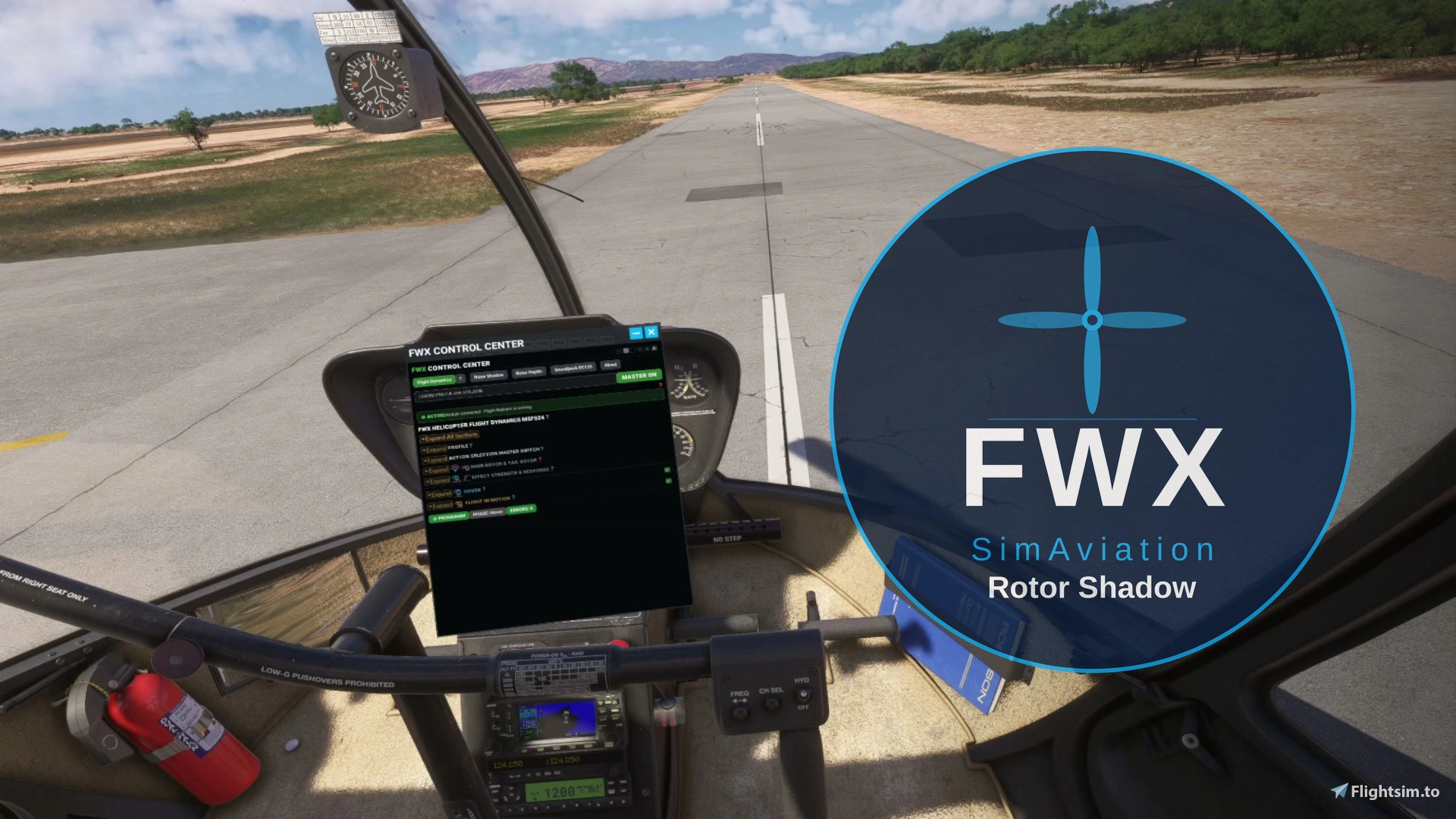
🚁 FWX Helicopter Rotor Shadow MSFS24
The spinning rotor shadow on the ground is finally back.
What changes is the shadow on the ground. The flight behaviour and the camera stay as they are.
⭐ At a glance
- It brings the rotor shadow back on seven helicopter types
- The shadow turns with the real rotor speed and tilts with the machine
- Main rotor and tail rotor each cast their own shadow, so you see two shadows instead of one dark patch
- Every one of the seven types is tuned on its own
- You switch the shadow on and off for each helicopter type
- You set everything in the toolbar inside the simulator, in VR as well as on screen
🔁 What is different from the stock simulator
Without this add-on the shadow of the turning rotor disappears on seven helicopter types as soon as the rotor is up to speed. With it, the shadow stays there and keeps turning while you fly.
You can watch the difference during engine start. In the stock simulator the shadow is there at first and then it is suddenly gone. With FWX Rotor Shadow it stays.
⚙️ What is this?
FWX Rotor Shadow does not replace a flight model, and it does not rewrite any flight model or aircraft files. The flight model of the simulator keeps running and keeps calculating as it was built to do, and the simulator carries out every movement itself. The add-on works on the seven helicopter types named below.
🚁 The shadow comes back
Above the pilot a rotor is turning, but on seven helicopter types its shadow disappears completely in the simulator once the rotor is up to speed. Every other helicopter has its shadow anyway. FWX Rotor Shadow gives it back. The shadow turns with the real rotor speed, it tilts with the machine, and it shows the main rotor and the tail rotor separately.
Nothing of this is precomputed. The shadow is worked out while you fly, from the real rotor speed of your helicopter.
📋 These seven types are supported
- Airbus EC135
- Airbus H125
- Airbus H225
- Guimbal Cabri G2
- Robinson R66
- Sikorsky S-64 Skycrane
- Boeing CH-47D Chinook, both rotors
🎛️ Settings
- Each of the seven types is tuned on its own, so you start with tested values
- You switch the shadow on and off for each helicopter type
- Your settings are stored for each helicopter, and you can bring back the tested factory values at any time
- The master switch turns the whole add-on on and off, also in the middle of a flight
🛠️ You set everything inside the simulator
The control panel sits in the toolbar of the simulator, in the same place where you open every other panel. FWX Rotor Shadow has its own tab in the FWX Control Center, so one click brings all the settings into the cockpit while you fly. The master switch is at the top and the settings are below it, and you never have to leave the simulator.
- Every change takes effect at once, and you do not have to restart anything
🥽 It works in VR
FWX Rotor Shadow works in VR just as it does on screen, and you can reach the panel with the headset on. That way you can change a setting in flight without taking the headset off.
🧩 Works with your other add-ons
- Camera add-ons keep working as before. FWX Rotor Shadow only changes the shadow on the ground, not the camera
- It changes no aircraft files and no flight model files
- It runs alongside your own liveries and your other tools
- It needs Microsoft Flight Simulator 2024
🧷 Also available as a bundle
FWX Rotor Shadow is also available together with FWX Helicopter Flight Dynamics in the bundle FWX Flight Dynamics + Rotor Shadow Bundle MSFS24. If you want both products, the bundle is the one to take.
⚠️ What it cannot do
❌ It works on the seven types named above only. The UH-1 and the Bell 407 do not need it, because they already have their rotor shadow.
❌ It works on helicopters only, not on airplanes.
📦 Installation and updates
- The installer takes you through the steps, you pick the folder and that is it
- The add-on starts and stops together with the simulator
- You uninstall it like any other program in the Windows settings
- Updates are free, and new features are part of them
- If another helicopter without a rotor shadow appears in the simulator, it is added free of charge with an update
💬 Support
If you have a question, write to support@fwx-simaviation.com and we will answer you.
User Reviews
No reviews yet. Be the first to share your experience!
FWX Helicopter Rotor Shadow
This add-on restores dynamic spinning rotor and tail rotor shadows for seven specific helicopter types in Microsoft Flight Simulator 2024. The shadows are synchronized with real rotor speed and aircraft tilt, enhancing visual realism. All adjustments are managed via an in-simulator toolbar, and settings are saved for each helicopter model. The add-on does not affect flight models or camera views and functions seamlessly in VR.
Instant digital delivery • Secure payment
Requirements
Additional Requirements
- Windows 11
- Microsoft Flight Simulator 2024 on PC (Steam or Microsoft Store)
- One of the seven supported helicopters: Airbus EC135, Airbus H125, Airbus H225, Guimbal Cabri G2, Robinson R66, Sikorsky S-64 Skycrane, Boeing CH-47D Chinook
- Helicopters only
- Not for MSFS 2020, Xbox or Mac
More by this publisher
Details
- Category
- Aircraft Enhancements
- Release Date
- Sep 8, 2026
- Last Updated
- Oct 24, 2026
- Compatibility
- MSFS2024