
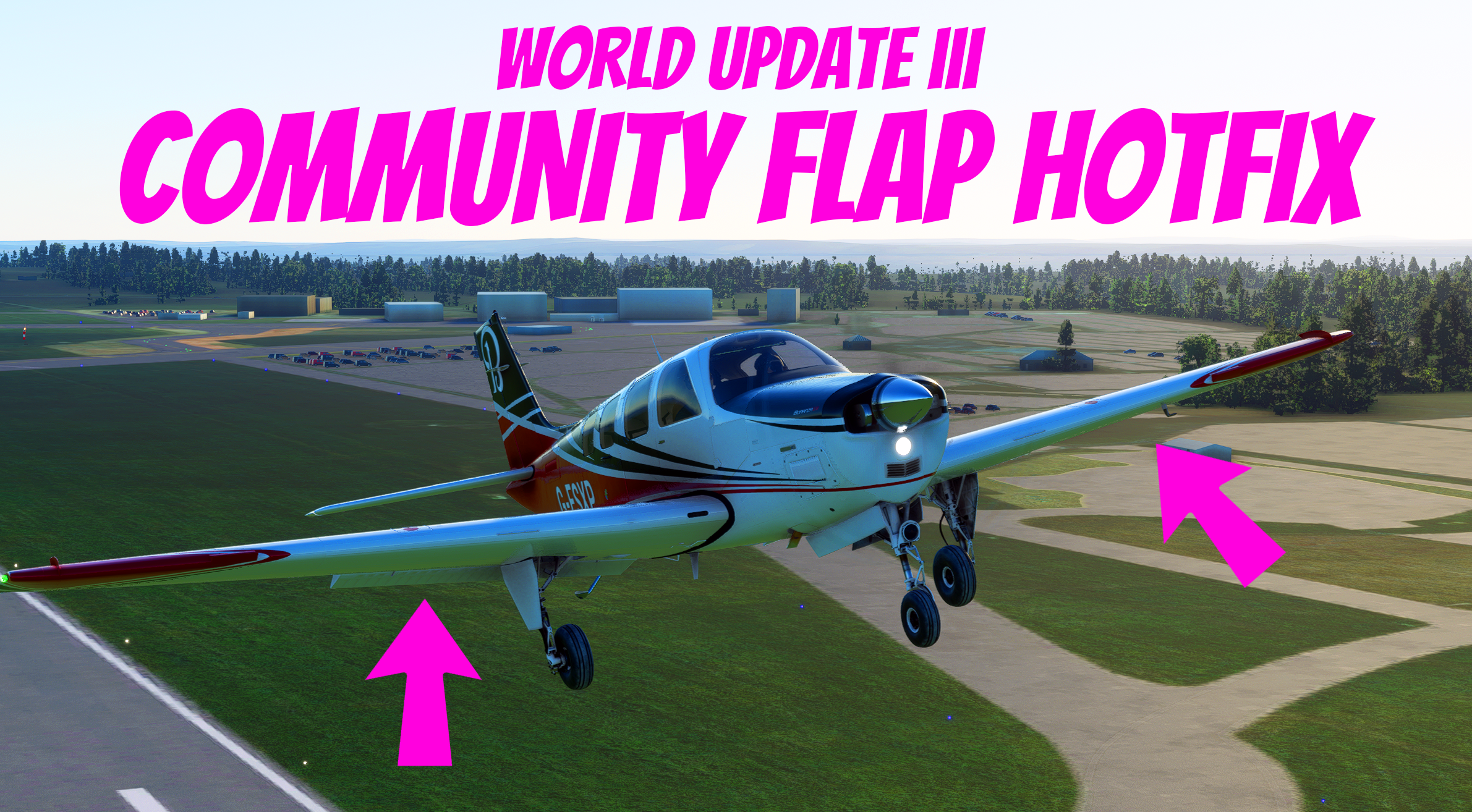
Description
AS OF VERSION 1.13.17.0 ASOBO HAVE FIXED THE FLAP ISSUE. THIS IS NO LONGER NEEDED. HURRAY!
IF YOU HAVE THIS INSTALLED, PLEASE DELETE THE FOLDER ONCE YOUA RE ON 1.13.17.0
----
Asobo sadly broke the lift dynamic for all planes in the latest World Update III.
They accidentally added parts of a new flight model which means all planes currently have twice the amount of lift that they should have, this can make it really hard to land some planes, or make it feel like they are floating.
Please see the post here:
Flight Dynamics Bug Details - Community / News and Announcements - Microsoft Flight Simulator Forums
Asobo mentioned the work around for now is to decrease lift_coef_flaps by 2.
However not everyone is a super technical with this stuff, so I have done this for all standard aircraft (the Deluxe / Premium are behind DRM so I cannot fix them).
I have tested and it appears to be reacting similar to before the update, so I think this has worked.
Compatability:
Its not compatible with any other aircraft mods like the A320NX or TBM930 Improvement or Working Title CJ4.
It is compatible with the Working Title Garmin Mods.
You can make it compatible yourself quite easily.
- 1) Open up Packages\Community\community-flap-hotfix
- 2) Open up layout.json in your favourite text editor
- 3) Remove the entry for the aircraft you have a mod for (make sure you remove from the first { to the last } including the comma.
- 4) Save the file
- 5) Go to Packages\Community\community-flap-hotfix\SimObjects\Airplanes
- 6) Remove the folder for the aircraft you remove in the layout.json
Video Tutorial:
Making the hotfix compatible with other mods - YouTube
This should make it compatible with any mods you have, however please note that those mods need to ensure they have reduced the lift by 2x or will have the same problem.
How to install:
- Download the package
- Put the folder community-flap-hotfix into \Packages\Community\
- Please ensure to remove the folder on the next Sim Update
List of changes:
- Grand Caravan - lift_coef_flaps changed from 0.9722 to 0.48610
- Airbus A320 - lift_coef_flaps changed from 1.4538 to 0.7269
- Boeing 747 - lift_coef_flaps changed from 1.11620 to 0.5581
- Bonzana G36 - lift_coef_flaps changed from 0.31270 to 0.15635
- Cessna C152 - lift_coef_flaps changed from 0.35220 to 0.1761
- Cesna C172 G1000 - lift_coef_flaps changed from 0.33790 to 0.16895
- CAP10C - lift_coef_flaps changed from 0.63300 to 0.3165
- CJ4 - lift_coef_flaps changed from 0.50180 to 0.2509
- DA40NG - lift_coef_flaps changed from 0.28200 to 0.141
- DA62 - lift_coef_flaps changed from 0.19000 to 0.095
- DR400 - lift_coef_flaps changed from 0.24620 to 0.1231
- E330 - nothing changed as it doesn't have flaps.
- Flight Design CT - lift_coef_flaps changed from 0.52410 to 0.26205
- Icon A4 - lift_coef_flaps changed from 0.54080 to 0.2704
- King Air 350 - lift_coef_flaps changed from 0.85970 to 0.42985
- Pitts - nothing changed as it doesn't have flaps.
- Savage Cub - lift_coef_flaps changed from 0.32100 to 0.1605
- TBM 930 - lift_coef_flaps changed from 1.03210 to 0.51605
- VL3 - lift_coef_flaps changed from 0.87570 to 0.43785
- XCub - lift_coef_flaps changed from 0.06040 to 0.0302
World Update III - Flap / Lift Community Hotfix (Standard Edition) (No longer needed)
Fix the lift dynamic issue caused by World Update III with this hotfix. Adjusts lift coefficients for standard aircraft to restore flying experience. Compatibility with Working Title Garmin Mods but not with certain aircraft mods. Easy installation in PackagesCommunity folder.


User Reviews
12 reviews
Version History
AS OF VERSION 1.13.17.0 ASOBO HAVE FIXED THE FLAP ISSUE. THIS IS NO LONGER NEEDED. HURRAY! IF YOU HAVE THIS INSTALLED, PLEASE DELETE THE FOLDER ONCE YOU ARE ON 1.13.17.0
Related

Cockspur Phenom 100EV - Enhancement Mod (CFD & Ground Handling, New Flight Model)
This mod changes the Phenom 100 to make it closer to the Phenom 100 EV which increases the power of the engines, increasing range, whilst also increasing fuel economy.
by Yetty
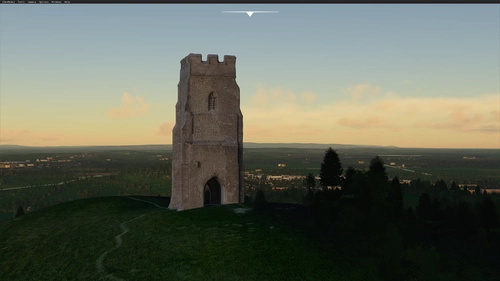
Glastonbury Tor
Explore the iconic Glastonbury Tor, a hill steeped in Celtic mythology and spiritual significance, now available in Microsoft Flight Simulator. This add-on features the roofless St Michaels Tower, a Grade I listed building managed by the National Trust. Immerse yourself in the enduring mythological associations and historical charm of this sacred site.
by Yetty
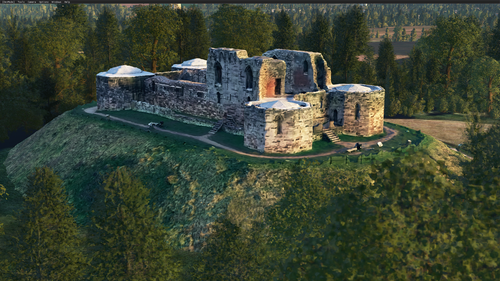
Stafford Castle, England
Explore the ancient Grade II listed Stafford Castle in Staffordshire, England. This castle, with roots dating back to the Norman Conquest, has a rich history including being held by the Royalists during the Civil War. Featuring a 14th-century stone keep and Gothic Revival style renovations from the 19th century, this add-on brings historical charm to Microsoft Flight Simulator. Keep an eye out for the little ghost easter egg hidden within the castle grounds.
by Yetty
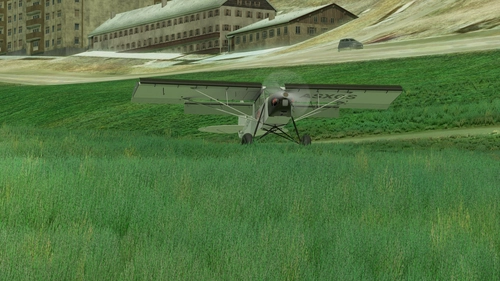
Locher Airfield
Discover Locher Airfield, a private grass field in the Trentino area of northern Italy with ICAO code XLILU. This scenery package offers a basic representation of the airfield, perfect for a fun approach experience. Keep an eye out for future updates to enhance your flying adventures at Locher!
by Yetty
Log in to join the discussion
Log InComments(79)
over 5 years ago
over 5 years ago
over 5 years ago
When flying the TBM earlier, I felt it did not stall at the right speed when landing and was still floating down the runway too easily which is strange as I had removed the fix from my community folder.
over 5 years ago
over 5 years ago
over 5 years ago
Did you even read? It doesn't work because it's not supposed to or needed.
over 5 years ago
Thanks again for the fix!
over 5 years ago
So I have gone into the community folder and made the respective edits to the flight model cfg - assuming this is what I have to do?
over 5 years ago
over 5 years ago
over 5 years ago
over 5 years ago
over 5 years ago
over 5 years ago
If I copy your changed flight_model.cfg files over the ones for the respective aircraft in the Official file tree (after first backing up the original files, of course) and not install your folder at all, they work just fine.
Thanks for providing the fix files for each aircraft in any case!
over 5 years ago
Asobo needs to allow proper beta testers before releasing anything, apparently.
over 5 years ago
Update: Using this now. Made the plane feel much better on take offs.
over 5 years ago
over 5 years ago
over 5 years ago
Edit:
Fixed in 1.2.3