About this addon
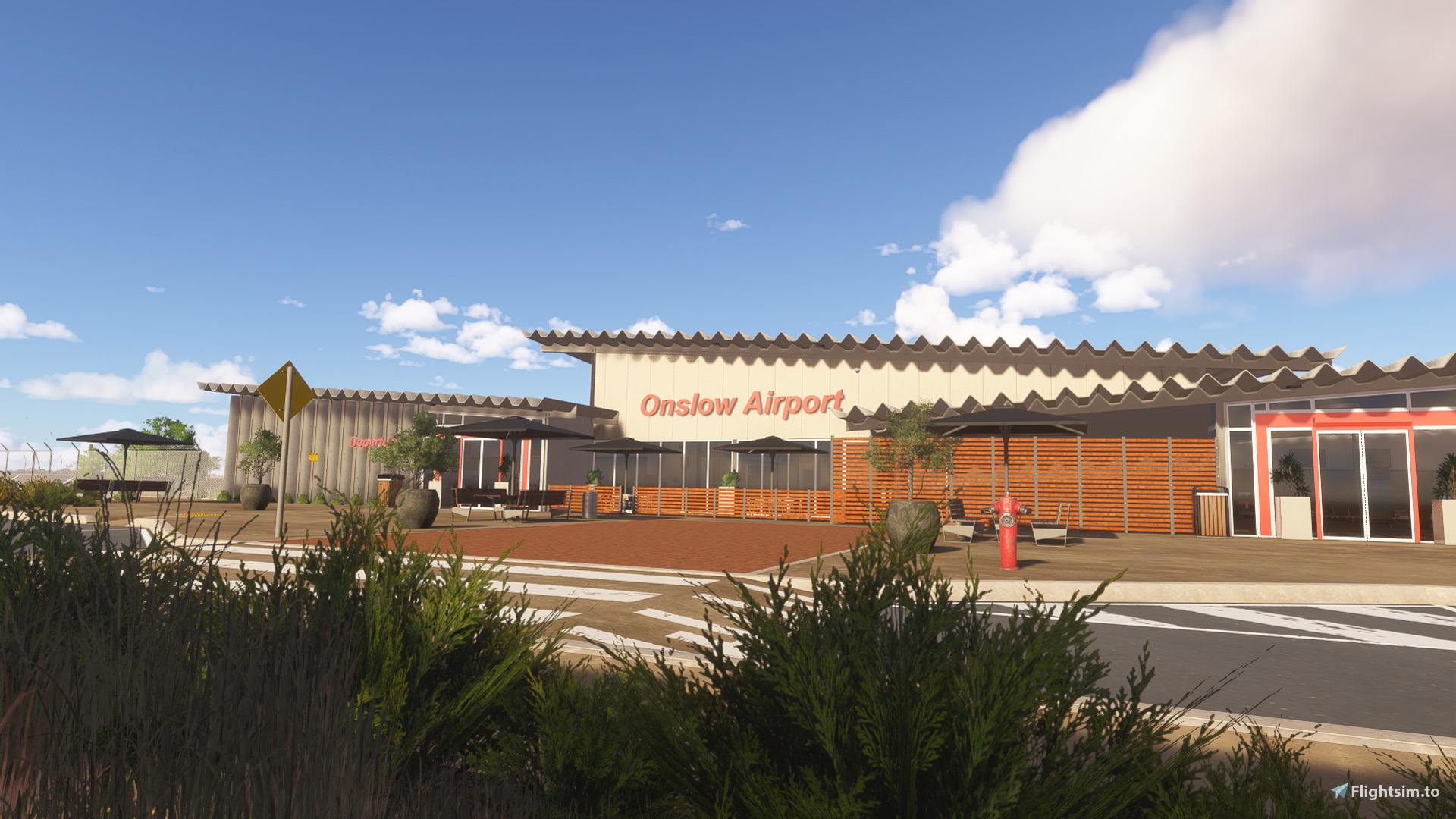
(IATA: ONS, ICAO: YOLW) Onslow Airport serves as a relaxed and efficient gateway to Western Australia’s iconic Pilbara region, linking the historic coastal town directly to the state capital, Perth. Known for its welcoming atmosphere and warm Outback hospitality, the airport provides a striking entry point that mirrors the rugged red landscapes, marine wonders, and pristine coastal beauty of the Ashburton region.
- Custom terraforming
- Custom scenery objects for the Terminal, Hangar and more
- Hand-placed Taxiways and Runway light system. Taxiways center, Taxiways edge, Runway light system, etc.
- Full Day/Night lighting.
- Hand-crafted ground markings and textures.
- Airlines and destinations
- Airline - Qantas, Private
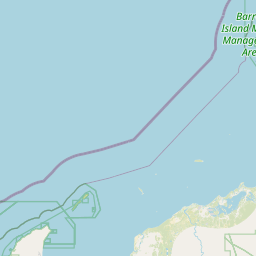
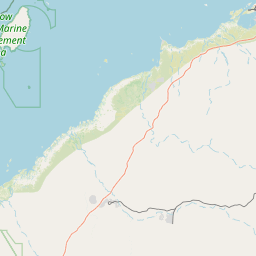
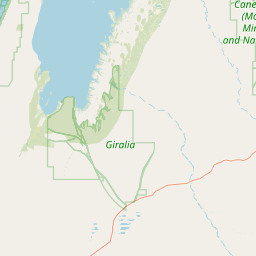
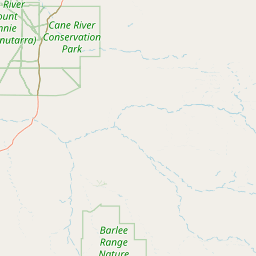
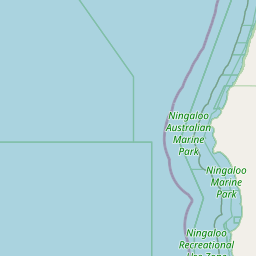
Location



User Reviews
No reviews yet. Be the first to share your experience!
YOLW - Onslow Airport
This add-on recreates Onslow Airport in Western Australia, featuring custom terraforming and detailed scenery for the terminal and hangar. Hand-placed taxiways, runway lighting, and full day-night lighting are included. The airport supports Qantas and private flights, reflecting the unique coastal and outback environment. Ground markings and textures are crafted for authenticity.

Instant digital delivery • Secure payment
Requirements
Additional Requirements
- Microsoft Flight Simulator 2024
- OS: Windows 10 (Nov 2019 update - 1909)
- CPU: i5-8400 or Ryzen 5 1500X (Ideal: i7-9800X or Ryzen 7 Pro 2700X)
- GPU: NVIDIA GTX 970 or AMD Radeon RX 590 (Ideal: RTX3080 or Radeon VII)
- VRAM: 4GB (Ideal: 8)
- RAM: 16GB (Ideal: 32)
- HDD: 150GB (Ideal: 150GB SSD)
More by this publisher


Details
- Category
- Airports
- Release Date
- Jul 22, 2026
- Last Updated
- Jul 25, 2026
- Compatibility
- MSFS2024
- Country
- Australia