About this addon
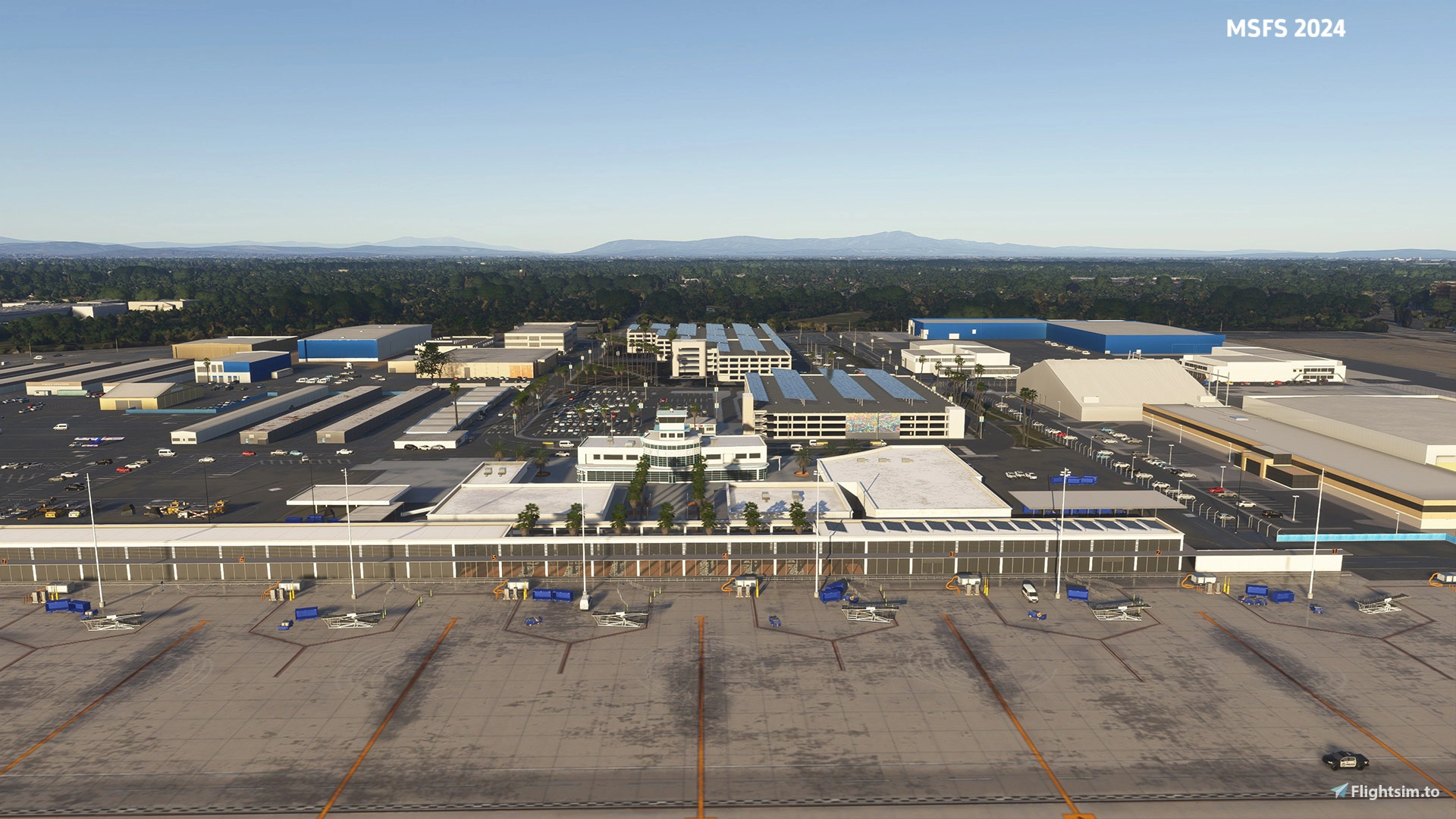
Welcome to the South California's hot spot for both commercial and general aviation operations. One of the most history-rich in the US aviation, Long Beach airport is a hub well suited either to an everyday Southwest Airlines commecial link to one of the over 20 national destinations, ranging from Las Vegas and Denver to Honolulu, Dallas, and Chicago or a general aviation and business jet flying.
Located just a few miles south from downtown Long Angeles, it serves as a hub for both commercial and general aviation. Known for its streamlined Art Deco terminal and relaxed atmosphere, the airport offers travelers a less crowded alternative to nearby Los Angeles International Airport. With a mix of domestic flights, private aviation services, and a rich aviation heritage—including ties to Douglas Aircraft—it remains an important gateway for the region while retaining its unique laid-back charm.
Four main sections across the field has been designed for MSFS20/24 in high detail:
- Main terminal area including the old terminal.
- ATC tower and surrounding AeroPlex buildings and hangars complex together with the brand-new Sky Harbour Hangar still under construction.
- Flying schools buildings area along the southwestern end.
- Relativity complex area with the surrounding others.
Features:
- Most up-to-date layout: old globemaster manufacturing hangars now reflecting the new Relativity lay-out, color, and architexture.
- Animated vehicles across the apron and landside: airport patrol, police and utility trucks animated on their real-life like routes
- Custom runway markings and taxiway signs and wigwags: all three runways custom-created with realistic markings, together with custom modelled and textured taxiway signs and wigwags at runway entries.
- 3D-modelling with PBR textures: true-to-life modelling of all buildings in the main four layout sections with materials having PBR textures with detail, wear, and reflections.
- Custom modeled and textured ground equipment: custom Southwest Airlines baggage cart, tractors and ramps.
- The four underpasses modelled and textured: underpasses beneath RWY30 modelled and texure for a more immersive take-off and landing experience.
- Dynamic lighting: real-life lighting positions all across aprons, parking lots, streets, and buildings over the airports layout and surroundings.
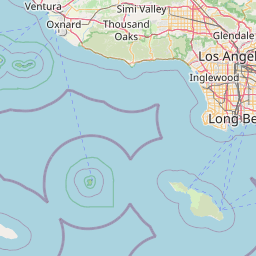
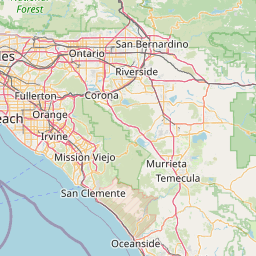
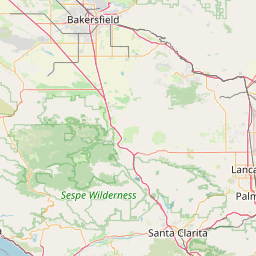
Location


Changelog
* Reduced package size * Added helipads near Maverick building
* Added further LOD Optimization 3/3
* Added further LOD Optimization 2/3
* Reduced package size * Removed need for a workaround to display some ground markings when used with a 3rd party addon (MSFS2024)
* Added further LOD Optimization 1/3
User Reviews
Wasatch
VerifiedSep 2, 2026
Very nice and detailed scenery, but a little on the performance heavy side. The dev has been very responsive and helpful on improving this since launch, and hopefully performance can continue to be improved. It does sit in a very dense area next to other airport sceneries so this certainly doesn't help with the performance.

Thanks for your feedback.

Henkerhaus
VerifiedJul 31, 2026
This airport package continues to greatly improve through frequent updates since its initial release. (11 updates in 1 month!) v1.1.1 hugely improved performance and reduced the file size by 27%. Highly recommended now.
Thanks so much.

manicminer
VerifiedJul 28, 2026
My sim and cpu are highly optimised to run at a smooth 60fps but this scenery runs at 10fps. I get strange graphical artifacts at this airport (blue spikes coming through the ground, satellite imagery squashed into a texture 'square'. I've not seen this ever before but it disappears as soon as I remove this airport scenery. I have compared a freeware version of this airport and have no issues at all with it, so it is definitely something to do with this scenery.
thanks for the feedback, however those spikes should no longer be there as of v1.1.1, please update.

Pmitchum6591
VerifiedJul 14, 2026
I'll give this a 5 star rating. I was initially somewhat unsatisfied with this scenery, but the version 1.03 update looks much better. The externals for the terminal and parking garage area are very well done. Runways and taxiways are very good, also night lighting is very good. I have compared this scenery with the airport in Google Earth 3D view, the scenery is very accurate. It is a great value for the price. My one suggestion is, the GA parking on the south side/west end of Rwy 8L, maybe improve that area, remove the blocky photogrammetry trees in favor of realistic trees, remove some of the static planes in that area, and add some GA parking, would be nice to load a small GA plane in that section.
Thank you so much.
KLGB - Long Beach Airport - MSFS20/24
KLGB Long Beach Airport for MSFS20 and MSFS24 offers a detailed recreation of this historic Southern California aviation hub. The add-on features accurate modelling of four distinct airport areas, including the main terminal, hangars, flying schools, and the Relativity complex. Custom ground equipment, animated vehicles, dynamic lighting, and realistic runway markings are included. The scenery reflects the latest layout changes and uses PBR textures for enhanced realism.
Instant digital delivery • Secure payment
Requirements
Additional Requirements
- Microsoft Flight Simulator 2020 or Microsoft Flight Simulator 2024
Details
- Category
- Airports
- Release Date
- Jul 6, 2026
- Last Updated
- Sep 3, 2026
- Reviews
- 4
- Compatibility
- MSFS2020/24
- Country
- United States