About this addon
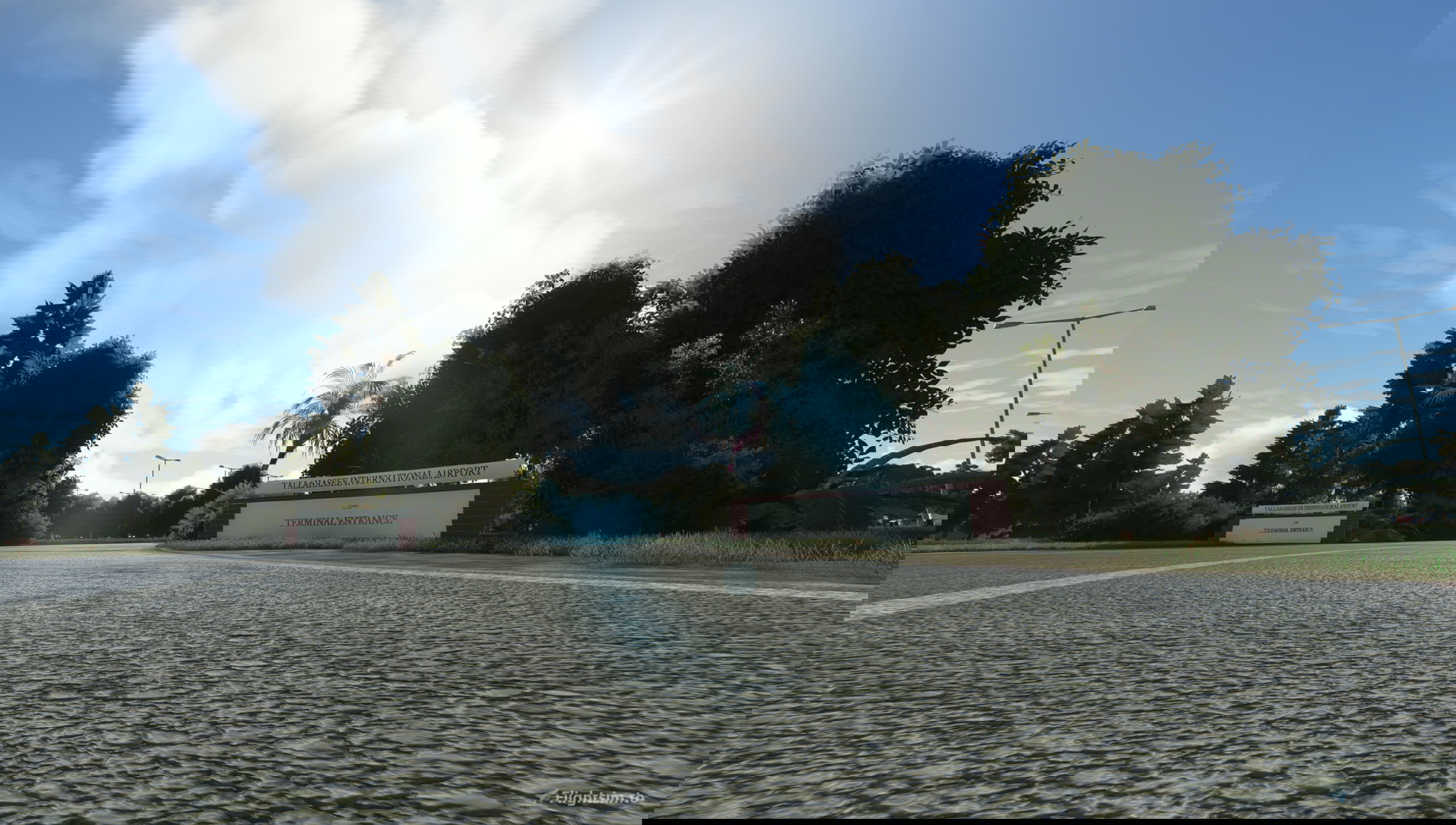
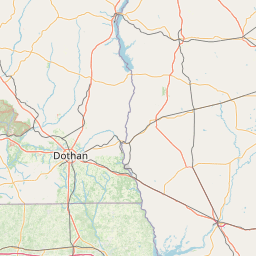
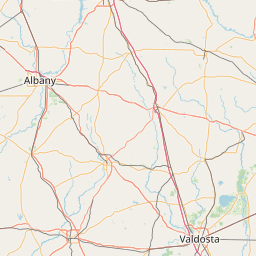
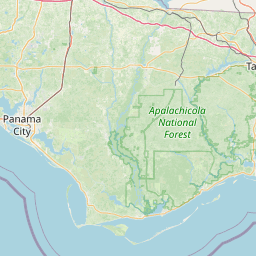
Tallahassee International Airport (IATA: TLH, ICAO: KTLH, FAA LID: TLH) is a city-owned airport five miles southwest of downtown Tallahassee, in Leon County, Florida. It serves the state capital of Florida and its surrounding areas; it is one of the major airports in north Florida, the others being Pensacola International Airport, Northwest Florida Beaches International Airport, and Jacksonville International Airport. Despite its name, it does not yet service any international destinations
Installation: Unzip the archive and extract the folder into your community folder
Features:
- Hi-res PBR texturing on all models
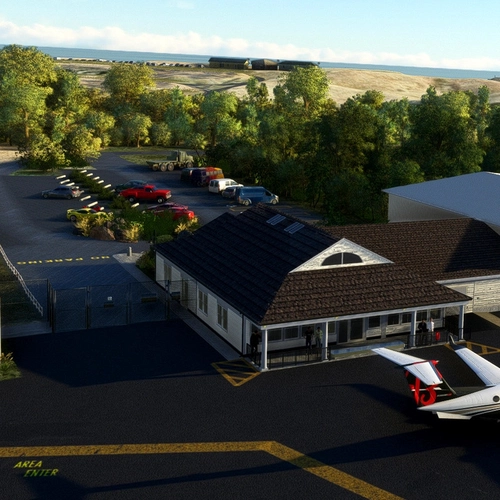
- Modeled ATC Tower and Terminal Gate interiors
- Custom ground textures and markings
- Working ILS and RNAV with correct approach light systems
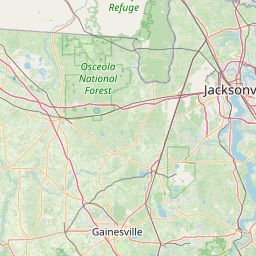
Location
Changelog
Hot fix for missing roof texture on terminal.
Major improvements in optimization Improved texturing on most buildings Redesigned taxiway system to avoid aircraft circling at intersections
Several newly modeled buildings and many existing buildings remodeled and retextured. Removed Static Helicopters from heli parking spots and will include in a separate package in the next update Improved parking lots and road textures and vegetation around the whole area Added many more signage elements on roads and fences
This is a hotfix follow-up to the recent major update. Fixed small bump in North apron on Western edge.
Buildings: Remodeled main terminal, Million Air FBO, Flightline hangars, Lively Aviation, and much more. Vastly improved texturing throughout the entire package Eliminated "cartoony" shading and texturing Terminal rebuilt from scratch to include transparent glass, modeled gates, work area underneath, gates on the back side, detailed entrance with people and cars Removed fuel pumps from in front of the open hangar on North Apron Airport: All ground textures added and improved including new custom ground textures Hold shorts and taxiway hold shorts all placed and represented accurately. Taxisigns expanded to include true to life signs Runway 36 approach lights adjusted with custom lighting to fit the unique format Fixed terraforming issue that sometimes created a bump in runway 18 Beacon removed and replaced in the correct location with custom model Static Aircraft/Models: Many static aircraft models removed (for now) Added a Beech18 at Lively Aviation Academy Added Robinson R44 on the apron near Tallahassee Helicopters/Old Terminal
User Reviews

blkSheep
VerifiedJun 16, 2024
I got this airport a while back. Love it! But when I look in certain direction the fps drops to a crawl. I cant figure out which structure it is whether trees or building or whatever. Got any solutions I could try?

Are you running the most up-to-date version of the scenery? I did have an issue with one of the models doing this, but it has since been fixed. If possible, send me a screenshot of your direction when this happens.
Sorry for the late reply. Just saw your message. I was landing on 27. So I was basically looking towards the west. Usually when i turn to that direction the fps drops bad. And some when looking at the buildings. I have adjusted my sim as much as I can and it wont go away. TLH and SAT are the only two places I have the worst fps. Both are payware. But Inbuilds makes the KSAT I have. Could be me. Idk... but What s the latest update and where can I go to update? I have so many installers from developers I cant even remember who to goto. lol!
Nevermind.. I believe I do have the latest update. Its probably my machine. But other than that I love this airport. Thx
Figured it out. Its the vegetation. Trees.
Bluestreak5150
VerifiedJun 10, 2024
Pretty simple and nice airport. Came in with nice sunset, nice reflections off the concrete! I came in on the RNAV 18 and the trees were definitely a little high on the edge of the runway there but I think that's just the sims fault.

LukeFF
VerifiedJan 29, 2024
The interiors are a little plain, but otherwise it looks and runs well on my computer.
dash8
VerifiedJan 10, 2024
Although this was a much-needed Airport in MSFS I was really expecting more realism. The scenery library used looks dated similar to the scenery from FS98. Also, after the most recent update the roof to the main terminal building are now pink in color. Hopefully this can be corrected in another update.
sqrl0420
VerifiedApr 17, 2023
As an airport employee that has seen every corner nook and crany of the airfield, the level of detail here is absolutely insane. I bought the msfs version of this and it is dog water compared to this one
also duck, just saw you even included the parking space right in front of million air where they board the private aircraft, great job
Thank you so much!
Skidroq
VerifiedJun 8, 2022
Just installed the update and took a look around. The Terminal building has been extensively reworked and looks great. Framerates are good all over the airport with the drone cam checking things out. Looking forward to a flight in and out of here later this week when I get a chance. Keep up the great work and thanks for the update!
SuperSixBravo44
VerifiedJun 6, 2022
What's going on with the massive bump on the runway. I bought this airport and I am not really impressed with it at all. Massive bump at the threshold of runway 18. I have no mesh altering add-ons in that area at all.
This was recently brought to my attention and has been fixed in a major update that should be dropping in the next few days.
tangjuice81
VerifiedJun 6, 2022
The addon is much better than default. Good textures, buildings and objects. However, it's missing updated gate numbers, additional gates, and vehicles in the main terminal parking. The FBO and other parts of the airport are detailed with reflective materials, vehicles and vegetation. I give this a 3.5 stars.

kkillough
VerifiedJun 4, 2022
There's a few minor flaws, such as taxiway lines on A11 are wonky, and ATC won't give taxiway route instructions.
CFIJose
VerifiedFeb 18, 2022
I read the reviews after I bought it. I think it is worth every penny. I do look forward to any updates and I'm happy to support devs willing to learn and improve their work. Best regards.
KTLH - Tallahassee International Airport
Experience the charm of Tallahassee International Airport (KTLH) with this detailed add-on featuring high-resolution PBR textures, custom interiors, and realistic ground markings. Complete with functioning ILS and RNAV systems, this airport serves as a key hub for Floridas state capital and surrounding areas.
Instant digital delivery • Secure payment
Requirements
Additional Requirements
- Microsoft Flight Simulator 2020
- Disk Space: 811 MB
More by this publisher
Details
- Category
- Airports
- Release Date
- Jan 2, 2022
- Last Updated
- Jan 11, 2024
- Reviews
- 10
- Compatibility
- MSFS2020
- Country
- United States