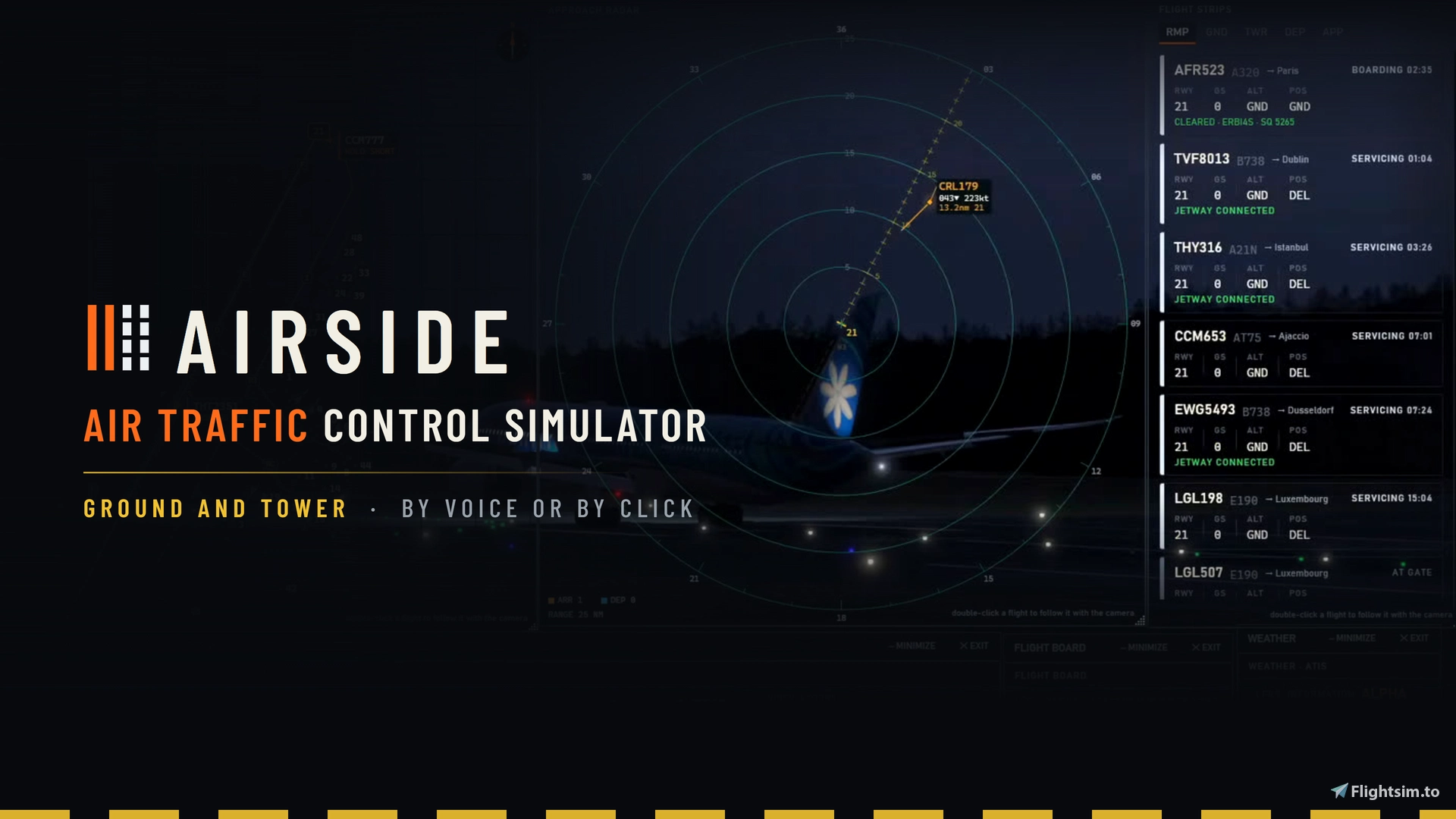
About this addon
Airside flies the traffic. You work the tower.
Be ATC in MSFS24
You sit down at the desk, and the field is already busy. Aircraft at the gates are still boarding. One is ready to push back. Two more are on final. Every one of them is waiting for a call from you.
Say it, and it happens. Hold a key and speak, the way you have heard it done a hundred times. Or pick the aircraft and press the button. The crew answers you either way.
Flights land, park, take their bags and their fuel, and go out again on the next leg. Nothing is set up by hand and nothing repeats itself. You turn up, and there is a day waiting for you. You choose how hard it should be: a quiet field where you can take your time, or an hour with no gaps in it at all.
Your own airport
The gates, the stands, the taxiways and the runways come from the simulator, so your home field is there already and so is everywhere else. Real airlines, going to places they really fly to.
On the frequency
- Ground and tower on one frequency
- Every crew gets a voice, dealt from 45 voices in a range of accents
- Speak your calls, or press the buttons. Both work, and you can change at any time
In numbers
- Every airport in the world, every country in the world
- 292 airlines
- 2,599 aircraft in real airline liveries with the free FSLTL traffic set installed
Changelog
Routes go by the taxiways you pick or say, a crossing follows your hold and your continue, a departure's runway can change after its pushback, you can hand aircraft off yourself, and far more aircraft wear their own colours. Read the full Release Notes here: https://airsideatc.com/blog/0-7-9-3-on-your-word
Jet bridges dock at your traffic, ground vehicles hold still and drive the airport's service roads, GSX Pro in testing, real engine sounds for FSLTL traffic, and a quicker, lighter voice setup. This release is about the apron. The jet bridges come to your traffic, the handling vehicles behave like handling vehicles, and the airport starts to sound like one. It also makes Airside lighter to download and quicker to listen. Read the full changelogs: https://airsideatc.com/blog/0-7-9-0-a-working-apron
https://airsideatc.com/blog/0-7-8-0-a-clearer-field
https://airsideatc.com/blog/0-7-7-0-pick-your-position
Loud and clear - https://airsideatc.com/blog/
User Reviews

PDXMIKE
VerifiedOct 7, 2026
Still getting familiar with this app. I've been away from FS for a while. So getting in to ATC is a bit involved, What I have seen so far is Airside looks promising. Looking at the proposed time line for further enhancements looks very good.
AlphaZeroOne
VerifiedOct 4, 2026
This is just the kind of app that I have been waiting and hoping for for a long time. Although still in early release, it's already been updated several times and the improvements on each release have been significant. It enables me to enjoy my local airports in a different way and incorporates MSFS 2024 at the same time. Although far from being a 'real' ATC, I appreciate being able to listen to and learn some of the terminology used on airfields. I have a feeling that this app will grow into a hugely popular app and become a 'must have'.
ScubaDj
VerifiedOct 2, 2026
As an old VATSIM controller I really appreciate this ATC simulator. I had a problem with the first version, rapidly solved by the support. I spent some hour in two busy airport and had a lo of fun. Good job
rommie120
VerifiedOct 2, 2026
there is room for a bit of improvement, but overall a very good addon. voice recognition is really good.
Airside ATC Simulator for Microsoft Flight Simulator 2024
Airside ATC Simulator allows users to take on the role of an air traffic controller in Microsoft Flight Simulator 2024. Manage live ground and tower operations using either voice commands or interface controls at any airport worldwide. The add-on features dynamic traffic with real airlines and authentic liveries, supporting up to 292 airlines and 2,599 aircraft when using the FSLTL traffic set. Voice interactions are enhanced with a variety of accents, providing realistic communication with flight crews.

Launch Discount· ends in about 24 hours
Instant digital delivery • Secure payment
30-Day Best Price:€ 61,12
Requirements
Additional Requirements
- Microsoft Flight Simulator 2024, on Windows 10 or 11
- 2 GB of memory for Airside itself, 3 to 4 GB with heavy traffic and a busy AI crew, on top of the simulator.
- An internet connection, needed when Airside starts
- A microphone only if you want to speak your calls. You can press the buttons instead
- Turn the simulator's own aircraft traffic off before your first shift
The download is the installer, which is small. The first time you run it, it fetches about 1.8 GB. Airside takes about 2 GB on disk, so keep 2 GB free on the drive you put it on.
Details
- Category
- Utilities
- Release Date
- Sep 9, 2026
- Last Updated
- Oct 12, 2026
- Reviews
- 4
- Compatibility
- MSFS2024